MVI56-PDPMV1 ♦ ControlLogix Platform Configuring the MVI56-PDPMV1 Module
PROFIBUS DPV1 Master User Manual
Page 121 of 251 ProSoft Technology, Inc.
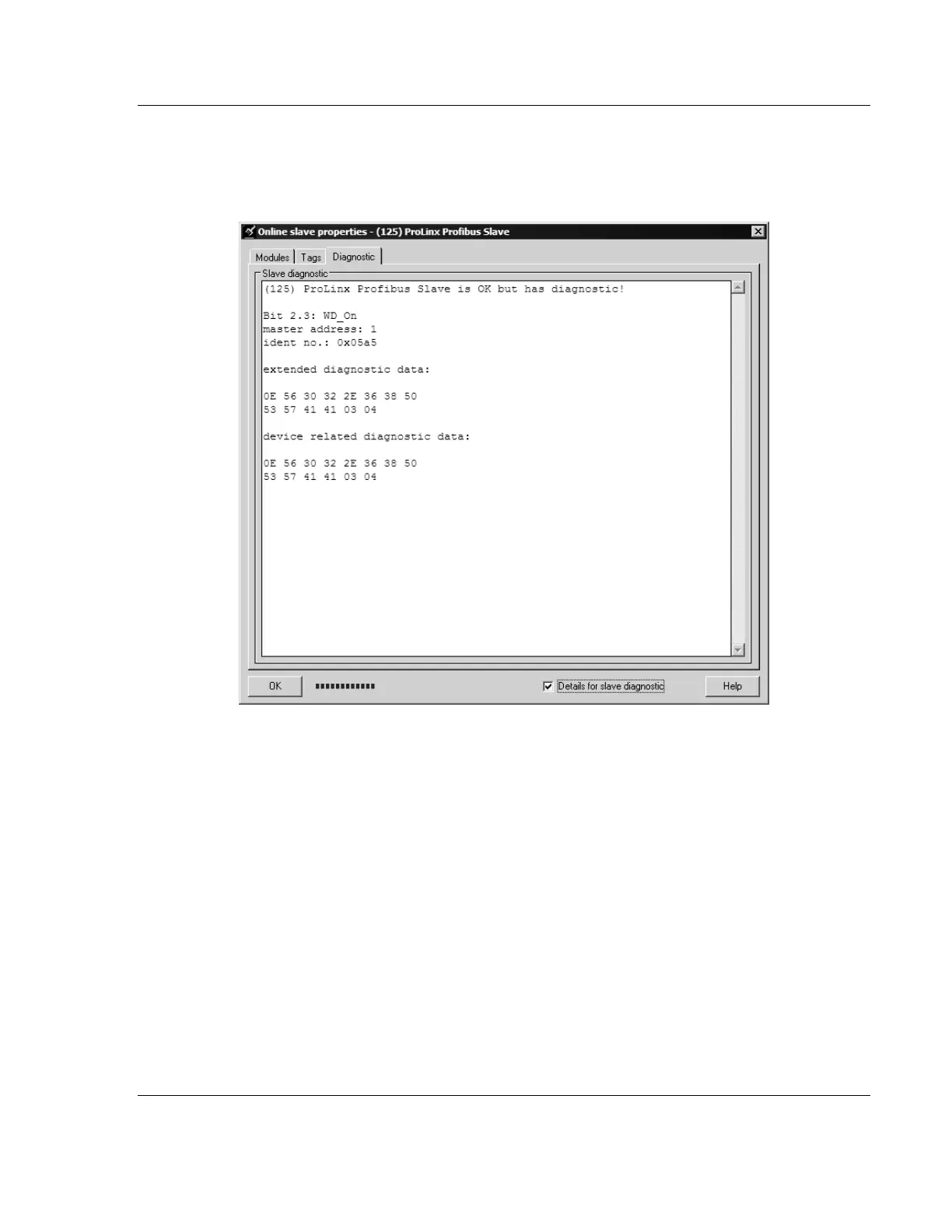
2 In the Online Slave Properties dialog box, click the DIAGNOSTIC tab, and
select (CHECK) DETAILS FOR SLAVE DIAGNOSTIC. Slave diagnostic information
will appear in the Diagnostic window. Refer to the documentation for your
PROFIBUS slave to determine the meaning of the diagnostic data.



 To Next Page