MVI56-PDPMV1 ♦ ControlLogix Platform Start Here
PROFIBUS DPV1 Master User Manual
Page 17 of 251 ProSoft Technology, Inc.
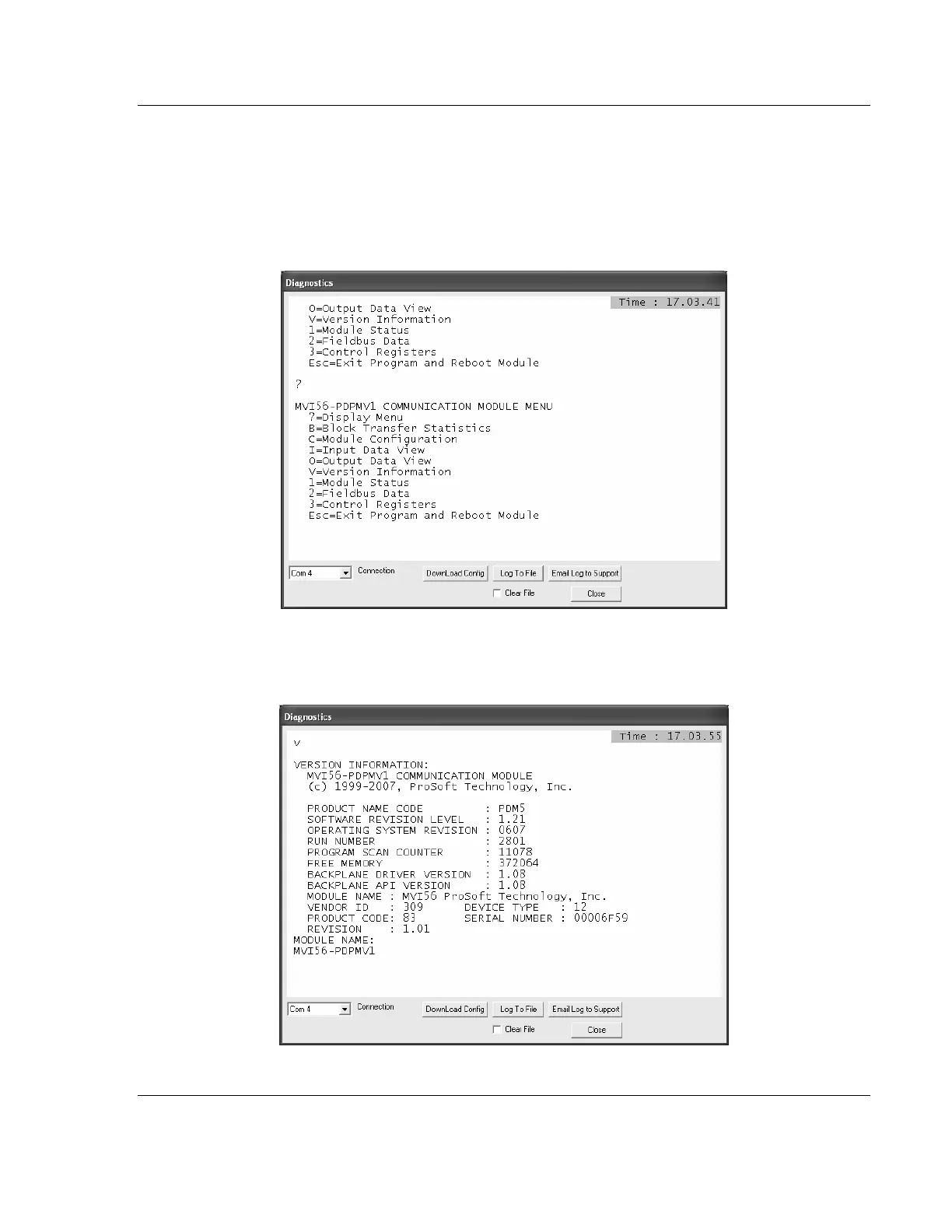
Checking the Version After Power-Up
If the correct sample program (LEGACY or FLEX) is loaded into your processor
and the module is located in same slot that was configured, then after module
power-up it will be possible to access the debug menu through ProSoft
Configuration Builder (PCB).
1 Press [?] to display the main menu:
2 Press [V] to display the module version information. Verify "SOFTWARE
REVISION LEVEL" for the module firmware version (1.21 for the example
below):



 To Next Page