MVI56-PDPMV1 ♦ ControlLogix Platform Diagnostics and Troubleshooting
PROFIBUS DPV1 Master User Manual
Page 185 of 251 ProSoft Technology, Inc.
If there is no response from the module, follow these steps:
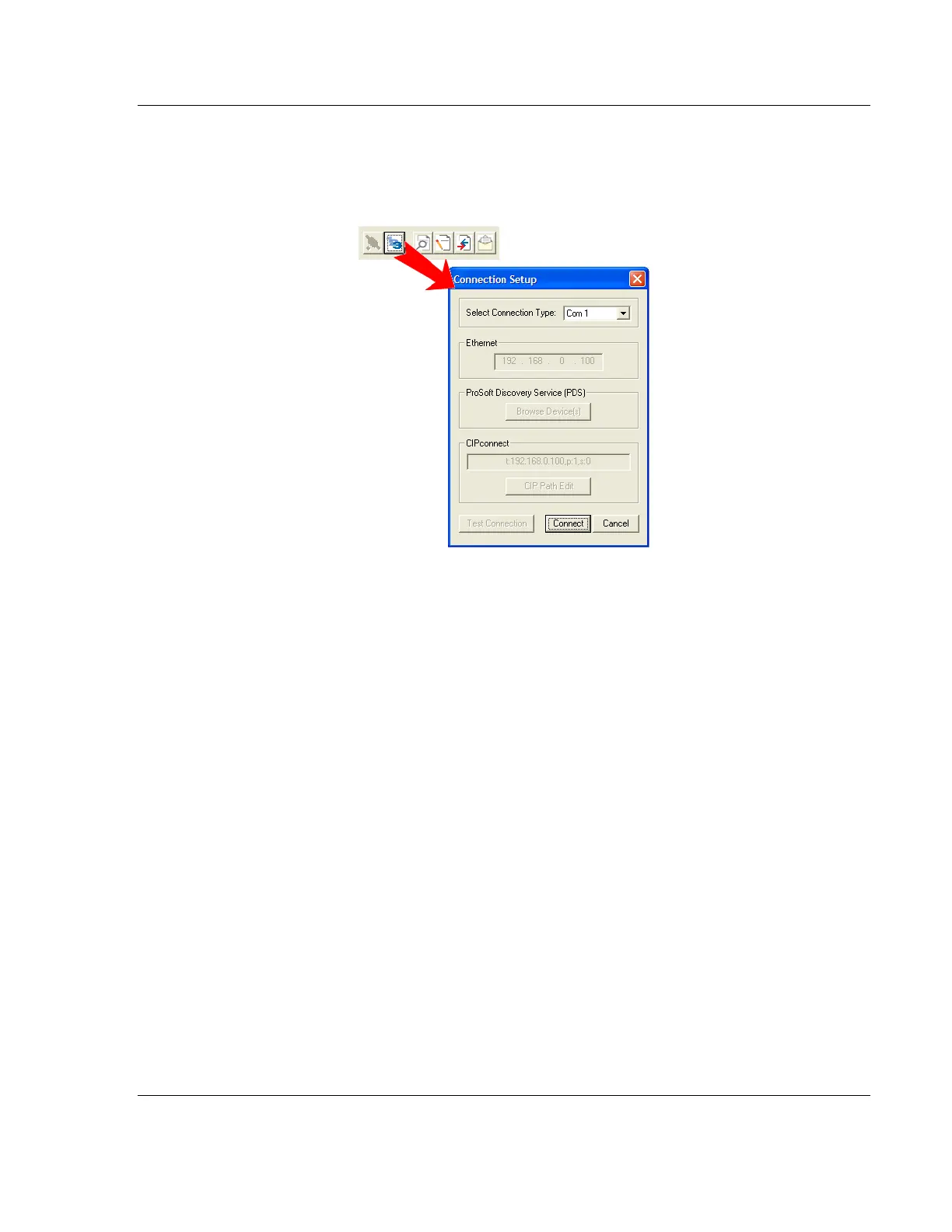
1 Click the Setup Connection button to configure the connection. On the
Connection Setup dialog box, select a valid com port or other connection type
supported by the module.
2 For a serial connection, verify that the null modem cable is connected
properly between your computer’s serial port and the module. A regular serial
cable will not work.
3 On computers with more than one serial port, verify that your communication
program is connected to the same port that is connected to the module.
If you are still not able to establish a connection, contact ProSoft Technology for
assistance.



 To Next Page