Start Here MVI56-PDPMV1 ♦ ControlLogix Platform
User Manual PROFIBUS DPV1 Master
Page 68 of 251 ProSoft Technology, Inc.
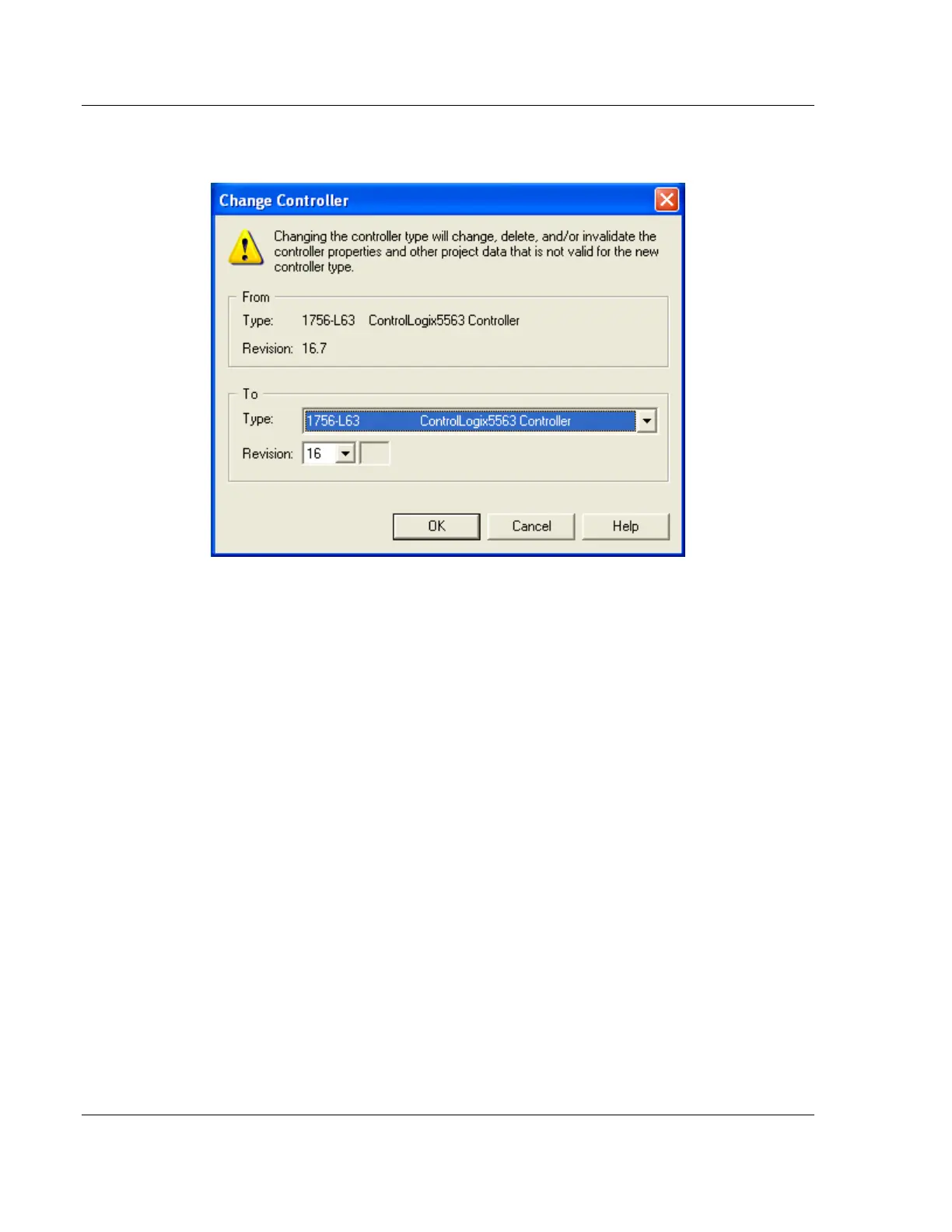
3 Click the CHANGE CONTROLLER button. This action opens the Change
Controller dialog box.
4 Open the TYPE drop-down list, and then select your ControlLogix controller.
5 Select the correct firmware revision for your controller.
6 Click OK to save your changes and return to the previous window.
7 Select the chassis type that matches your specific installation.



 To Next Page