Adding the Module to RSLogix MVI69E-MBS ♦ CompactLogix Platform
User Manual Modbus Serial Enhanced Communication Module
Page 26 of 154 ProSoft Technology, Inc.
June 28, 2017
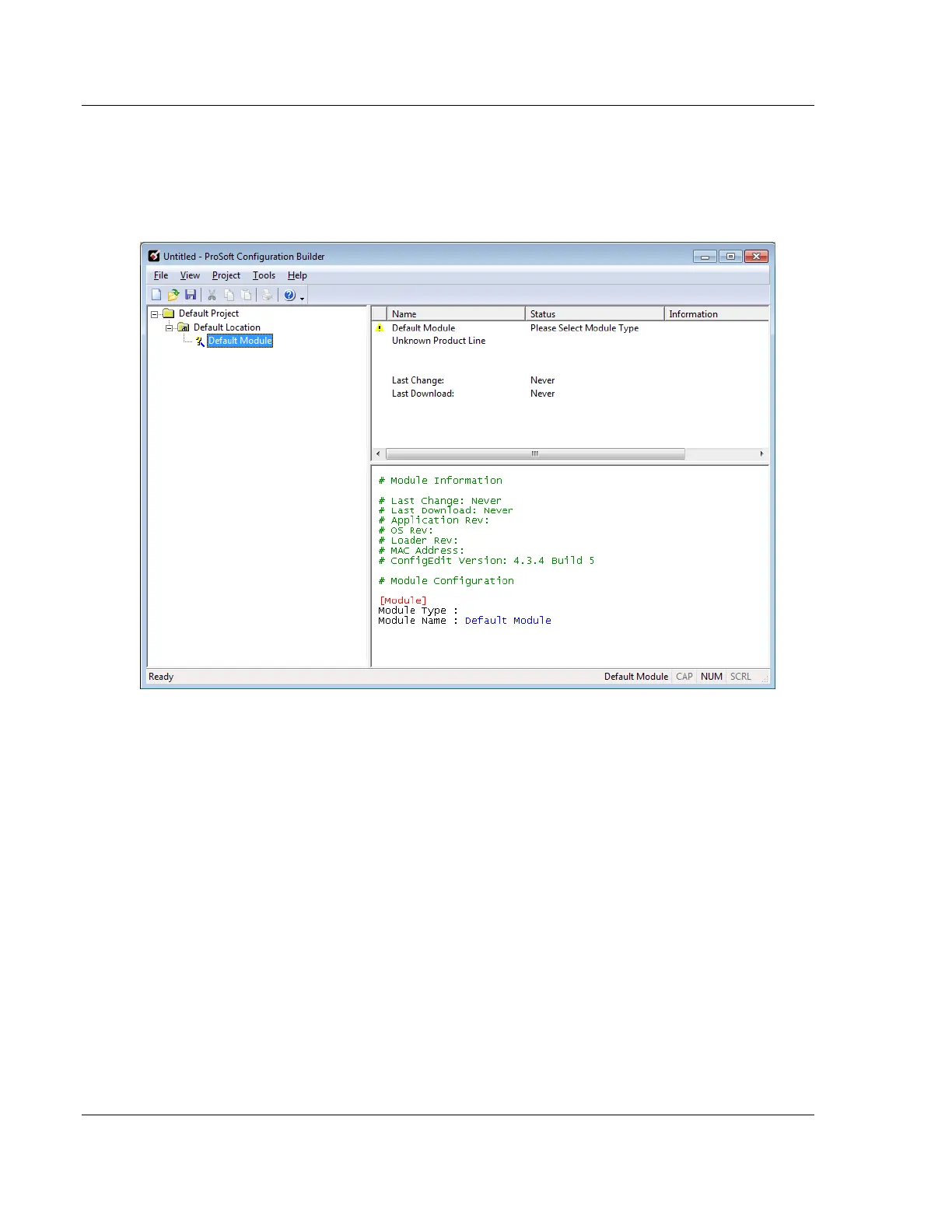
The PCB window consists of a tree view on the left, and an information pane and
a configuration pane on the right side of the window. The tree view consists of
folders for Default Project and Default Location, with a Default Module in the
Default Location folder. The following illustration shows the PCB window with a
new project.
Your first task is to add the MVI69E-MBS module to the project.



 To Next Page