MVI69E-MBS ♦ CompactLogix Platform Adding the Module to RSLogix
Modbus Serial Enhanced Communication Module User Manual
ProSoft Technology, Inc. Page 33 of 154
June 28, 2017
Note: If you are using RSLogix version 16 or earlier, the Import Configuration dialog box does not
contain the Import Content tree.
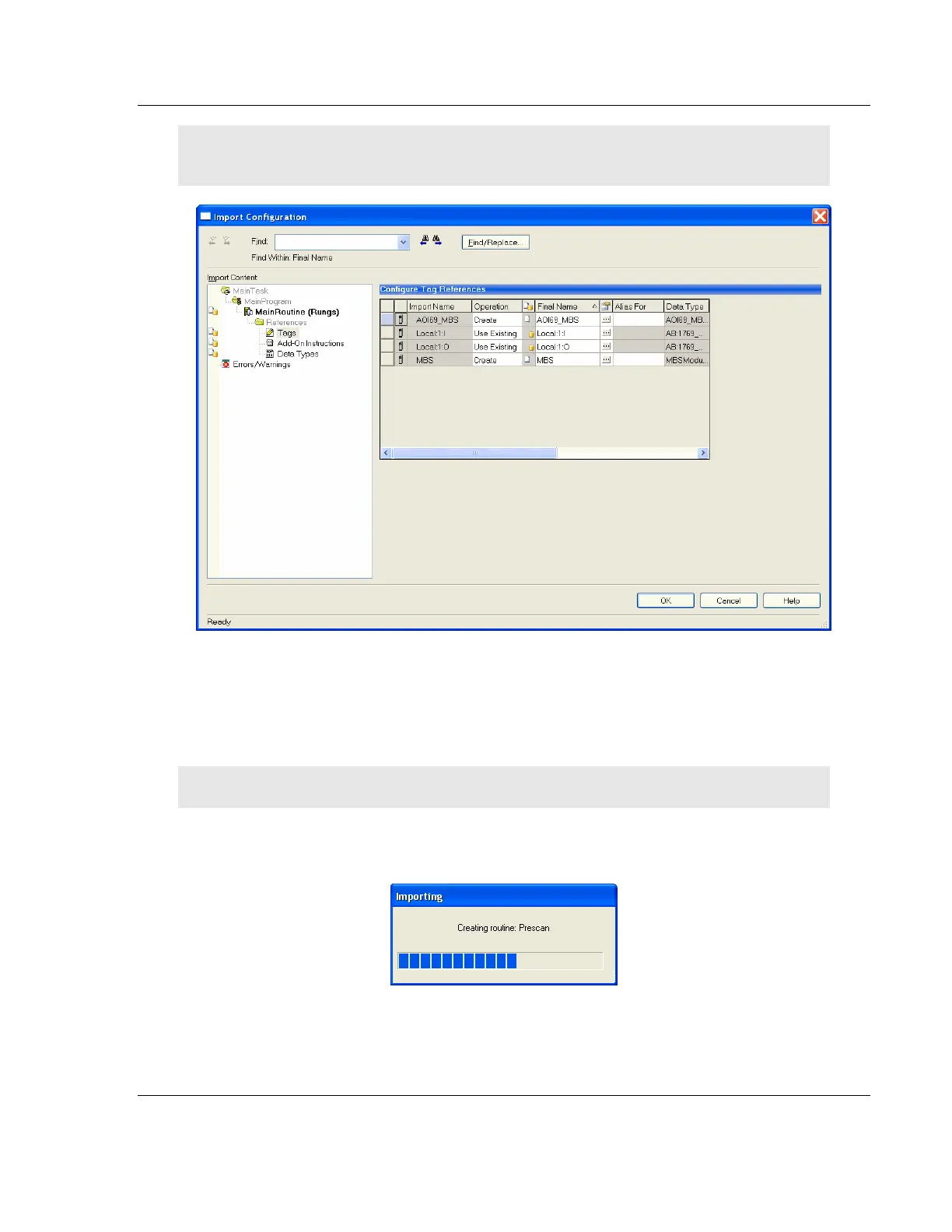
6 If the module is not located in the default slot (or is in a remote rack), edit the
connection input and output variables that define the path to the module in
the FINAL NAME column (NAME column for RSLogix version 16 or less). For
example, if your module is located in slot 3, change Local:1:I in the FINAL
NAME column to Local:3:I. Do the same for Local:1:O.
Note: If your module is located in Slot 1 of the local rack, this step is not required.
7 Click OK to confirm the import. RSLogix indicates that the import is in
progress:



 To Next Page