Configuring the MVI69E-MBS Using PCB MVI69E-MBS ♦ CompactLogix Platform
User Manual Modbus Serial Enhanced Communication Module
Page 60 of 154 ProSoft Technology, Inc.
June 28, 2017
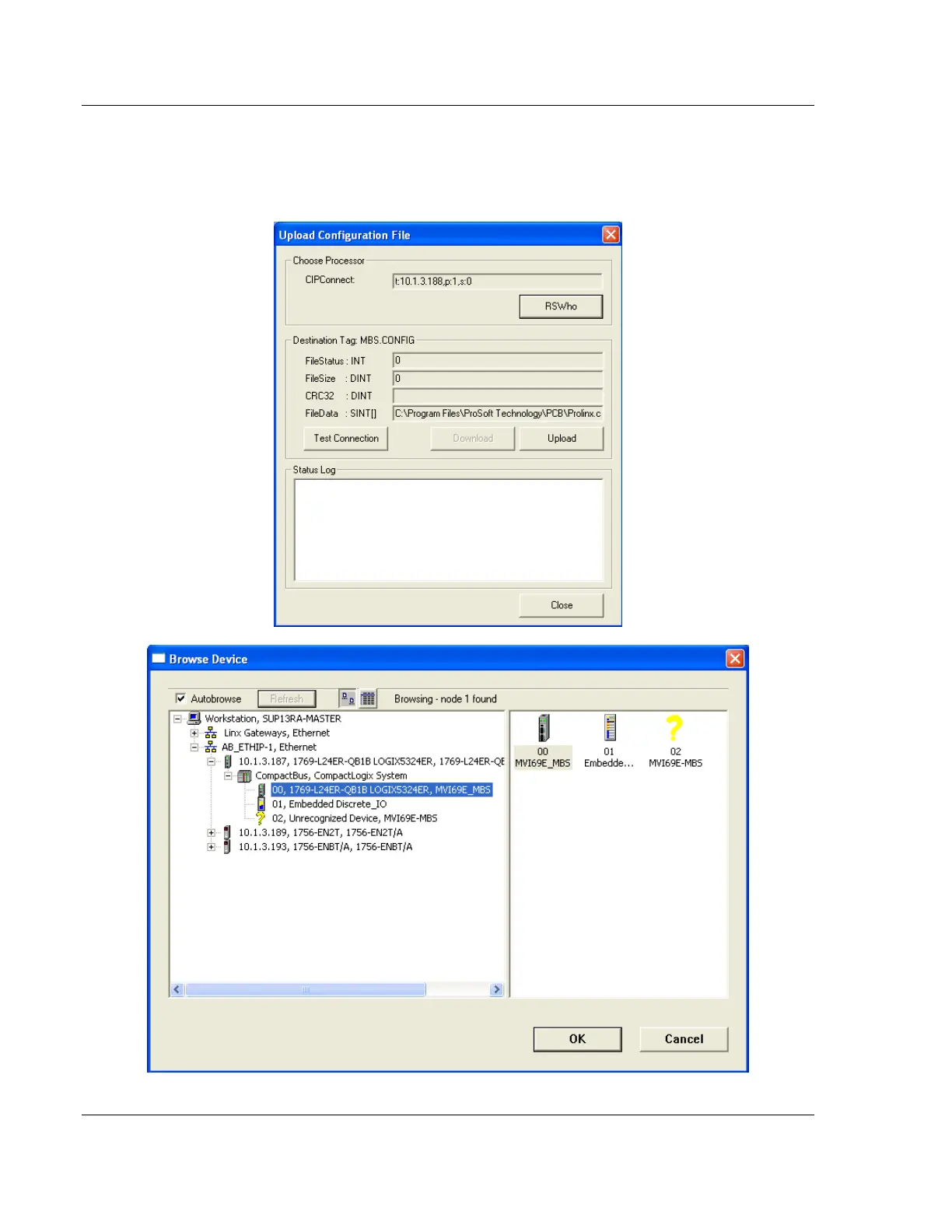
2 In the Upload Configuration File dialog box, the CIPConnect path should
already be constructed if you have previously downloaded the configuration
file from the same PC. If not, click RSWHO, browse to, then select the
CompactLogix or MicroLogix 1500-LRP Processor, and click OK.



 To Next Page