Diagnostics and Troubleshooting MVI69E-MBS ♦ CompactLogix Platform
User Manual Modbus Serial Enhanced Communication Module
Page 92 of 154 ProSoft Technology, Inc.
June 28, 2017
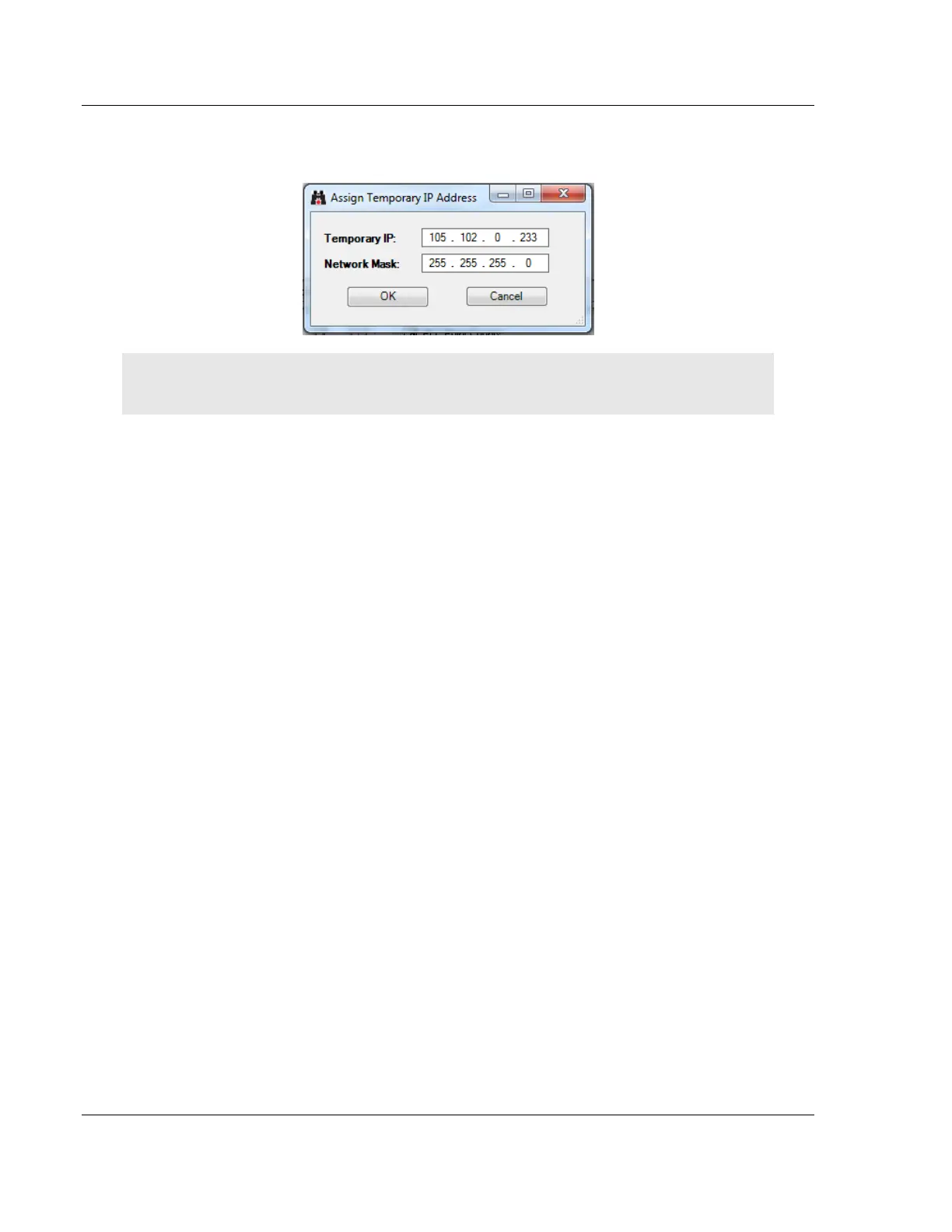
5 The module’s default IP address is usually 192.168.0.250. Choose an unused
IP within your subnet, and then click OK.
Important: The temporary IP address is only valid until the next time the module is initialized. For
information on how to set the module’s permanent IP address, see Ethernet 1 (page 55).
6 Close the ProSoft Discovery Service window. Enter the temporary IP address
in the ETHERNET ADDRESS field of the Connection Setup dialog box, then click
TEST CONNECTION to verify that the module is accessible with the current
settings.
7 If the Test Connection is successful, click CONNECT. The Diagnostics window
is now accessible.



 To Next Page