How to Change the Default Contrast Setting
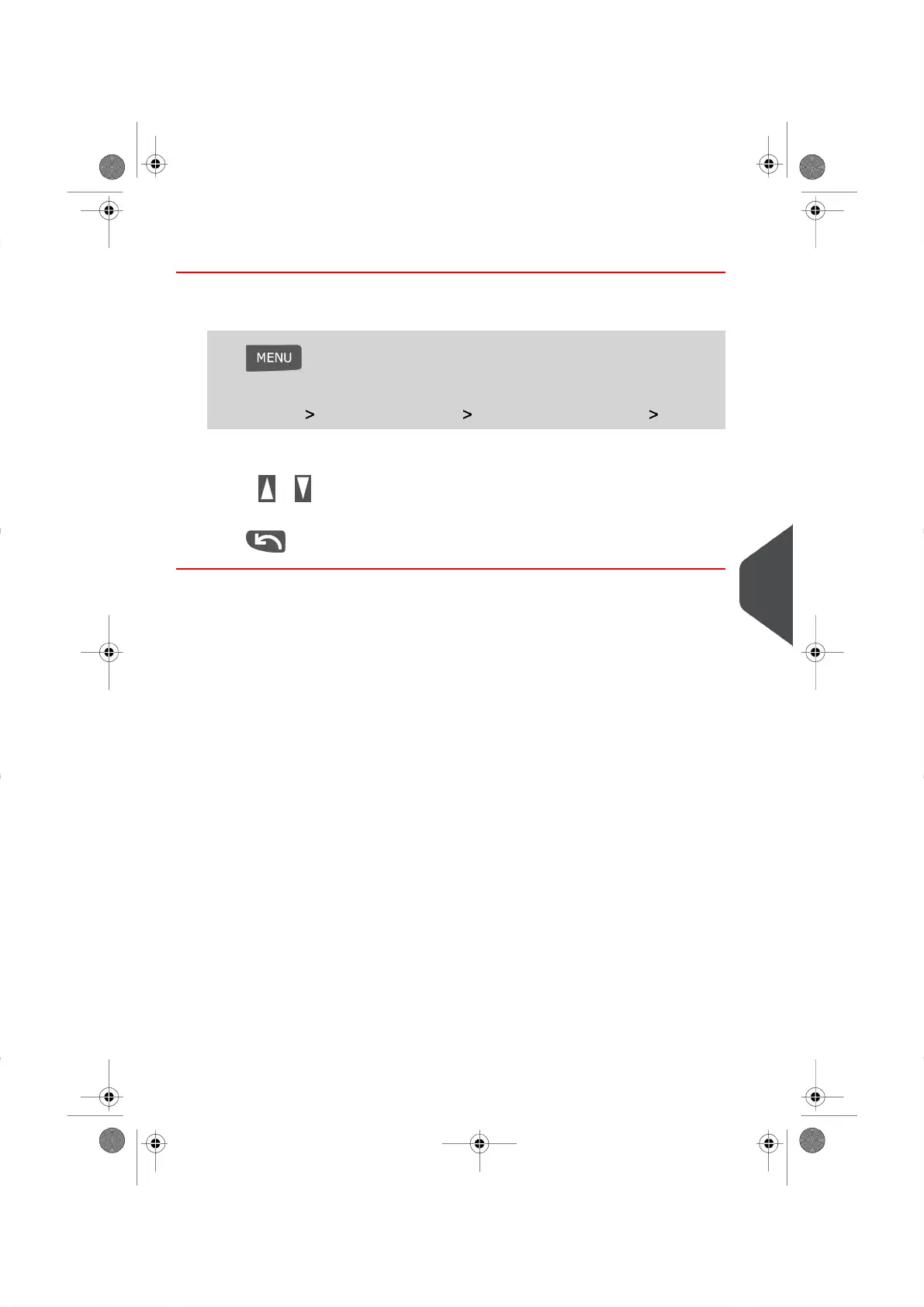
To set the Default Contrast Setting:
1. Log in as the Supervisor (see How to Log in as the Supervisor on page 114 ), then
Press and type 3.1.2
Or
Select the path: Default User Settings Default User Preferences Contrast
2.
Use the or button to increase or decrease the contrast. The screen will update
instantly to your new selection.
3.
Press to exit.
9
Configuring your Mailing System
119
| Page 119 | |





 To Next Page