Printing “Received”on Incoming
Mail
3.6
in this section
This section describes how to use the [“Received”Meter Impression ] to:
•
Print the Date on Incoming Mail, and/or
•
Print 'Received' on Incoming Mail.
See also
•
How to choose a Meter Impression.
Make sure you have completed the mail preparation steps
mentioned in Preparing and Starting your Job Run on page 25
How to Process Incoming Mail (Settings)
Required settings:
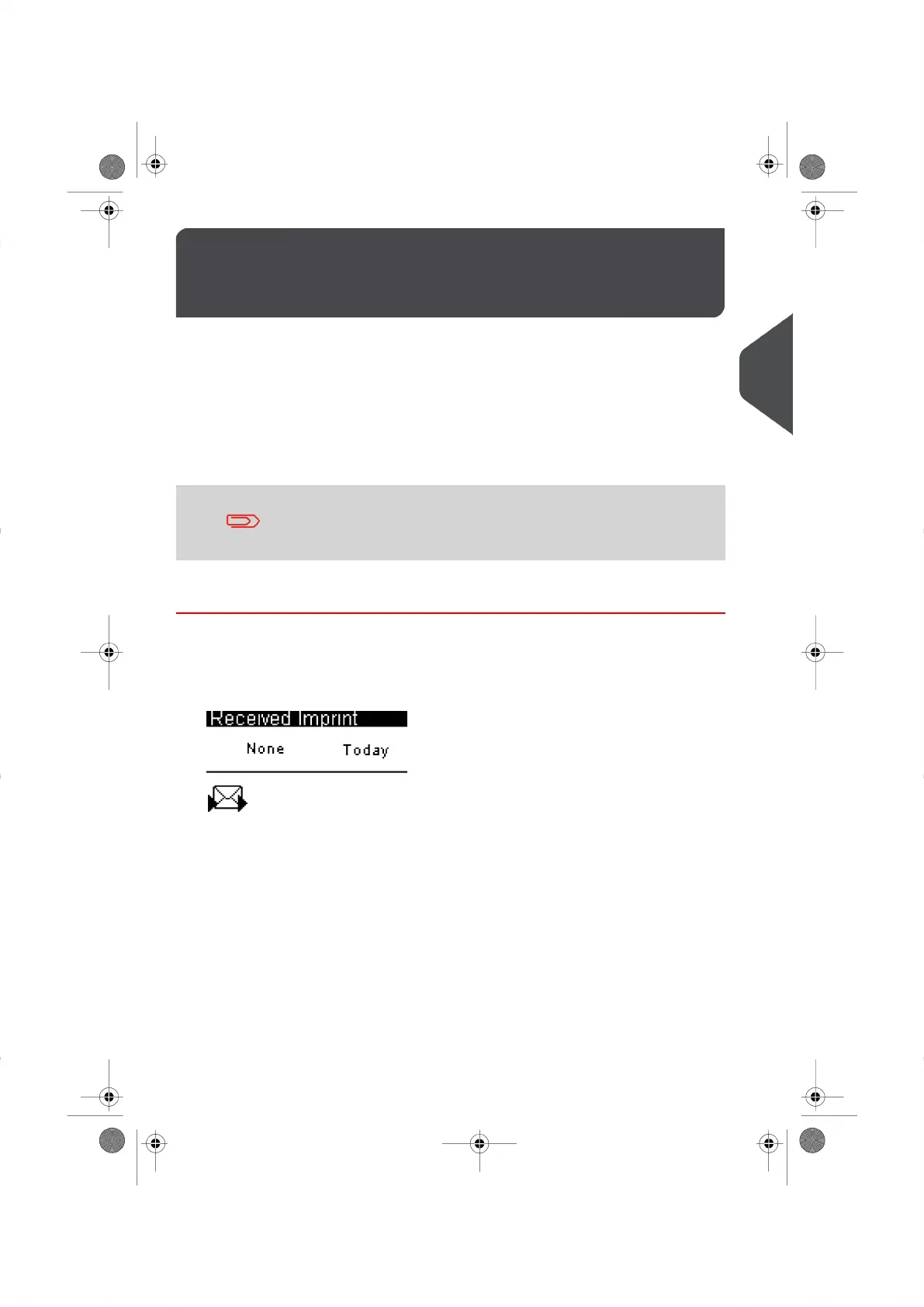
1. Make sure you are on the Received Home Screen.
The type of Meter Impression that is activated appears in the upper left-hand side of
your screen as illustrated below.
41
| Page 41 | |
3
Processing Mail




 To Next Page