Changing the Ink Cartridge
The Power cord must be plugged in to move the Ink Cartridge to
the 'replacement' position.
How to Change the Ink Cartridge
To change the Ink Cartdridge as a user:
Press and type 12.3
Or
Select the path: Cartridge>Headset Replacement
1. To change the Ink Cartridge in Supervisor Mode, see How to Log in as the Supervisor
on page 114 then,
Press and type 7.2.4
Or
Select the path: Maintenance Cartridge Headset Replacement
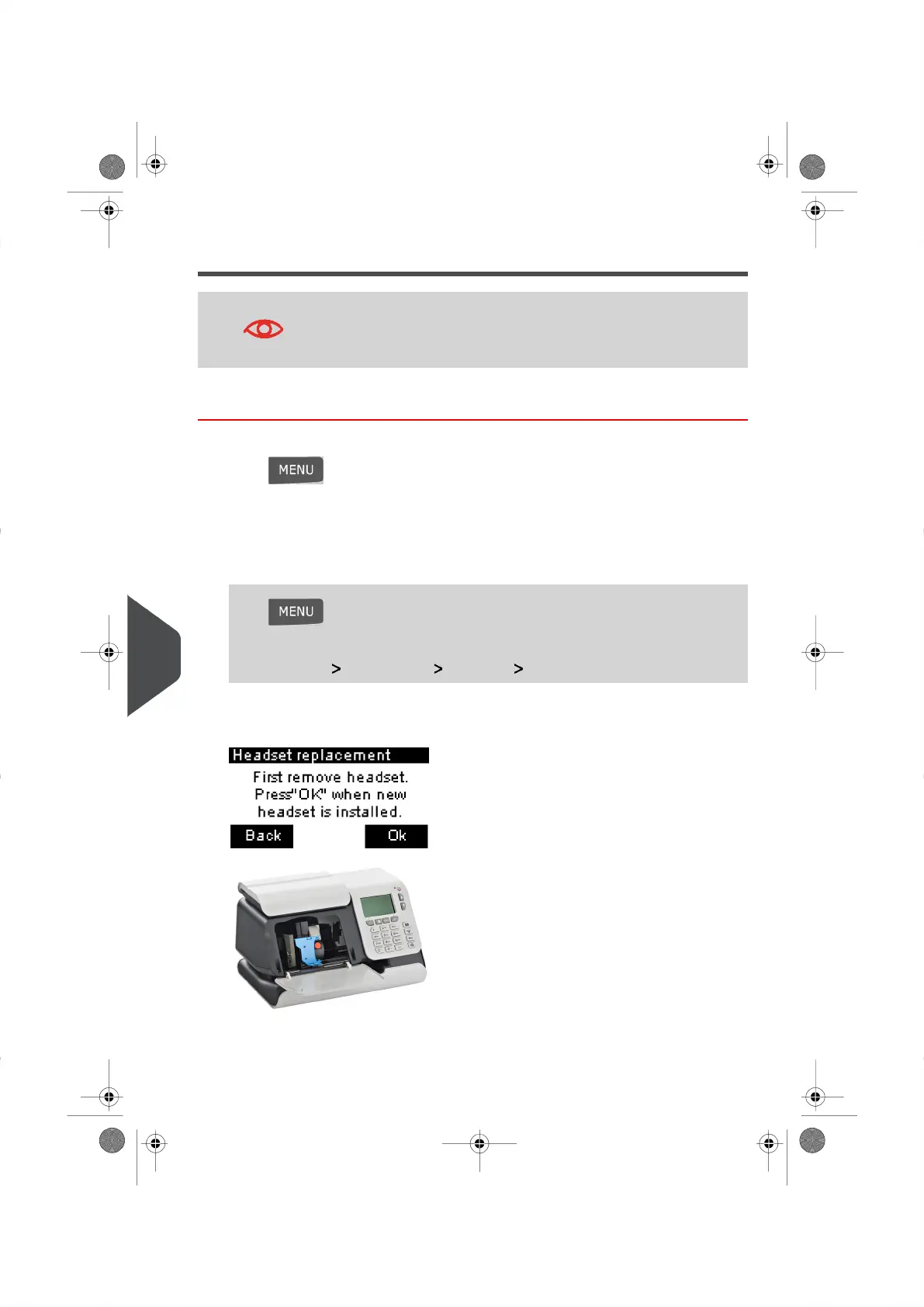
The cartridge moves to the 'replacement' position, and the following message appears:
2.
Open the Cover, by pulling it towards you from the top left.
Pull on the left side of the blue lever, to unlock the cartridge.
164
| Page 164 | | |
11
Maintaining your Mailing System





 To Next Page