Managing Your Postage Funds4.2
Checking Your Postage Funds
You can check the total amount of postage that has been used and the available postage
funds remaining in your Mailing System at any time.
You can also use the alternative method described below to review your Postage Account
Balance.
How to Check Your Postage Funds
To check your available Postage Funds:
1. Either:
Press
Or
Press and type 7
Or
Select the path: My Funds
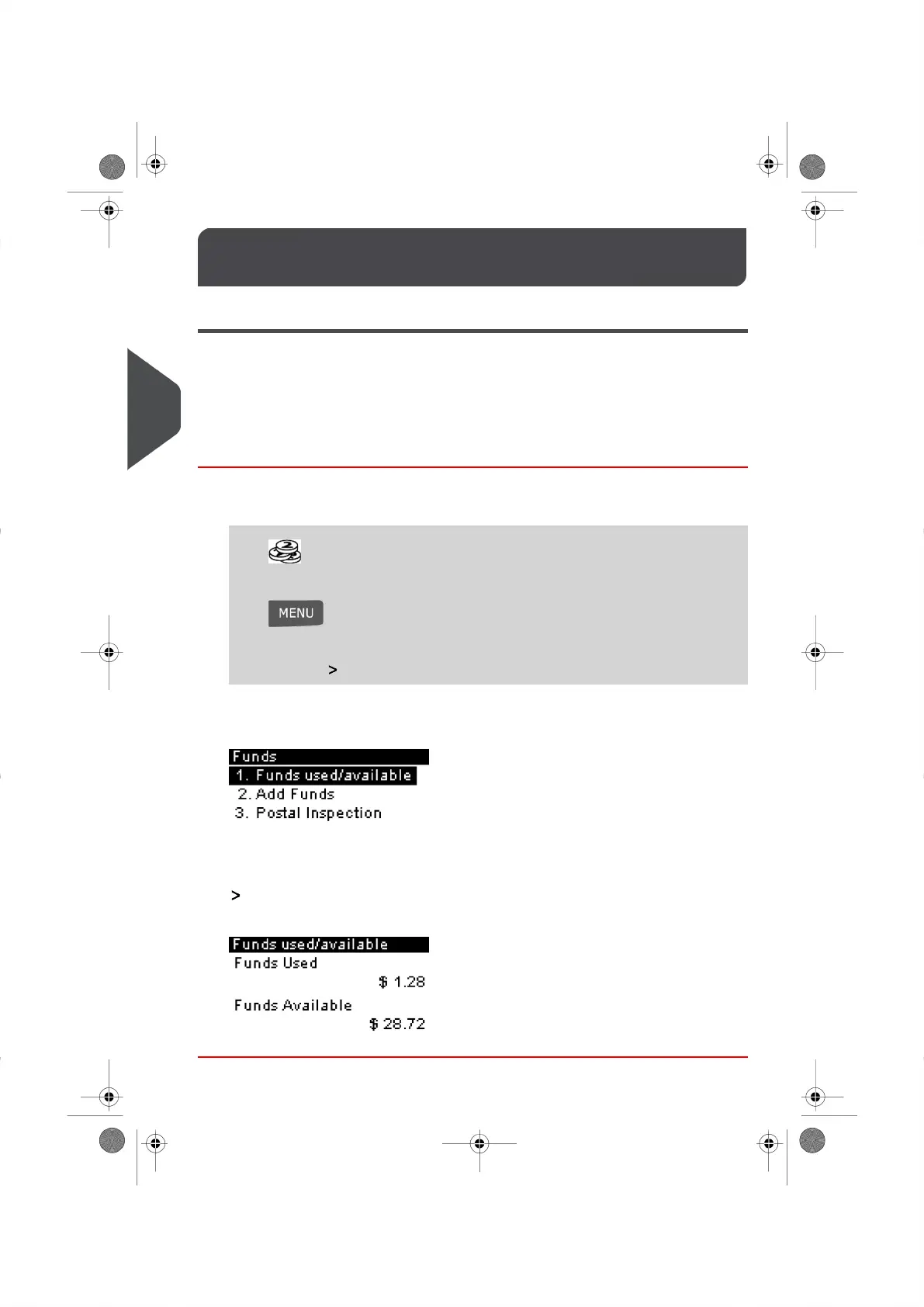
The Postage Funds menu appears.
2. Select the menu path:
Funds Used/Funds Available (or type 1 ).
The screen displays your Postage Funds as shown below.
58
| Page 58 | | |
4
Postage Funds management





 To Next Page