Correcting a Postage Value
Set-up Requirements
This section describes the system settings to be selected and the mail preparation steps
to be completed in order to print a Postage Value Correction Meter Impression. This type
of Meter Impression corrects the postage amount that has already been printed. Only
corrections that increase the postage amount are possible.
Make sure you have completed the mail preparation steps
mentioned in Preparing and Starting your Job Run on page 25 .
How to Correct the Postage Value (Settings)
Required settings:
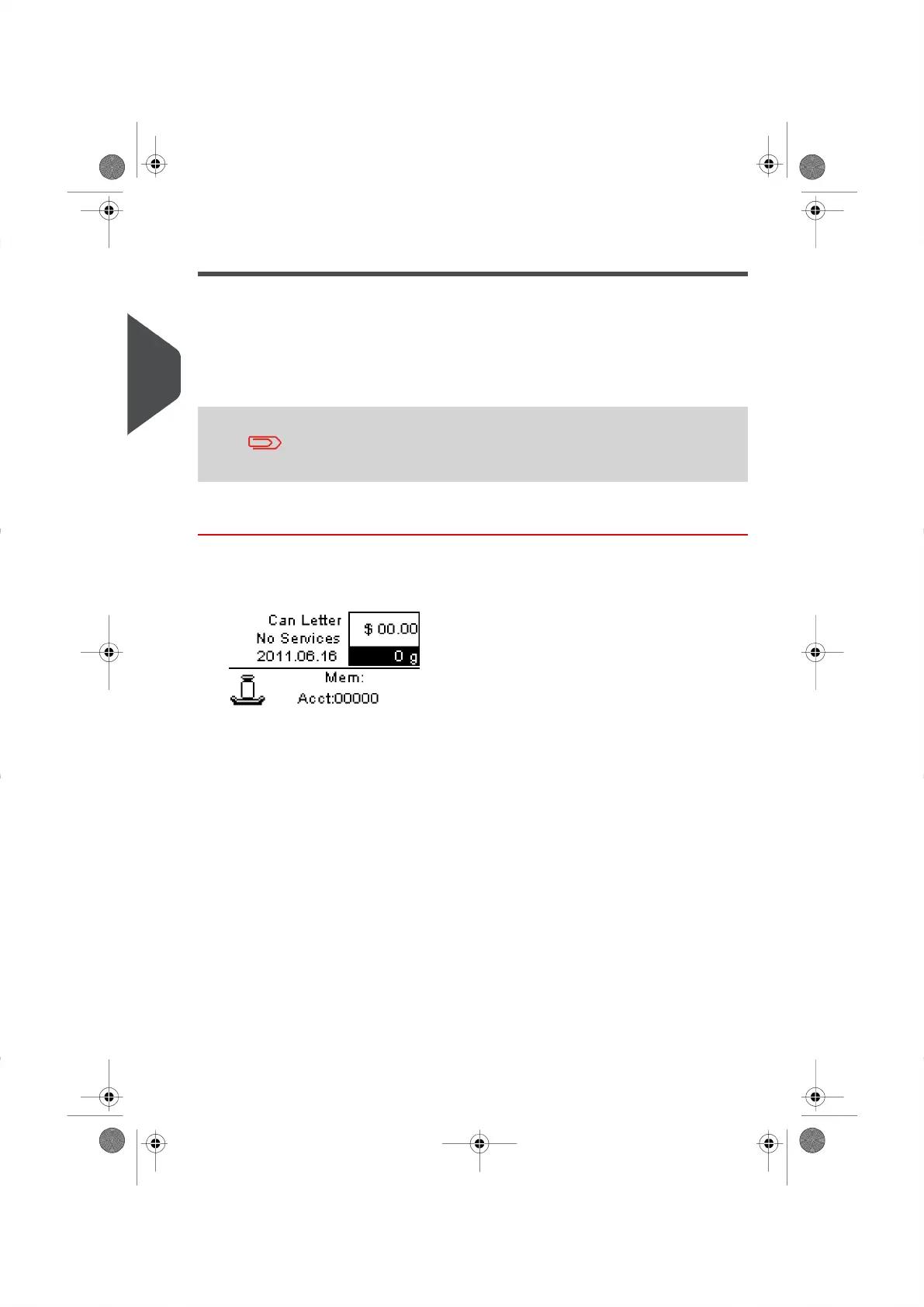
1. Make sure you are on the Standard Home Screen .The Weight Postage Value
and currently selected Postage Rate will be displayed as shown below.
34
| Page 34 | | |
3
Processing Mail





 To Next Page