In Standard Weighing mode , you can print postage directly onto mail pieces
from the Home Screen:
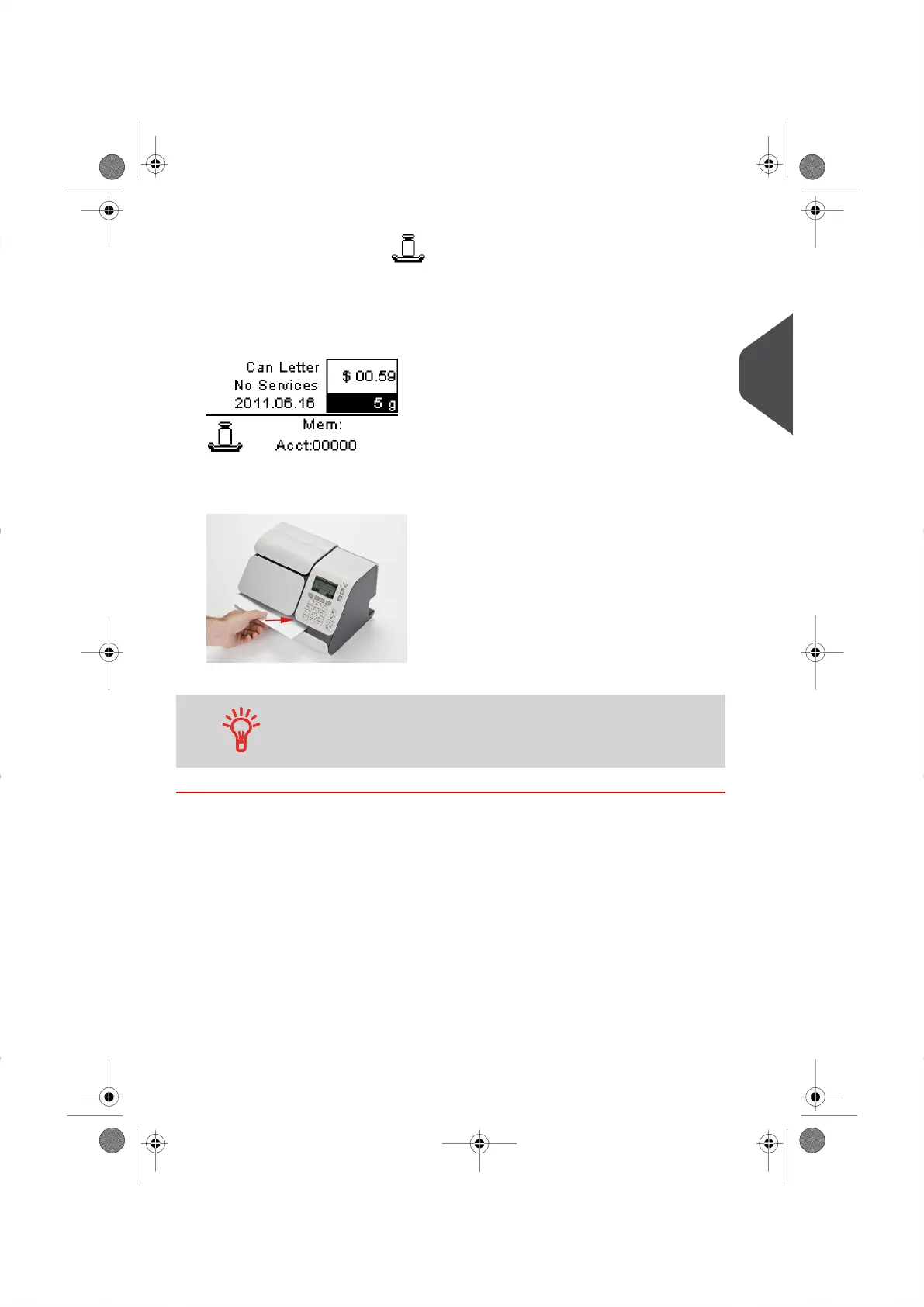
1. Place an item on the weighing device.
The weight of the mail piece is displayed in the Weight Area of the Home Screen and
the postage amount is calculated.
2. Remove the envelope from the Weighing Platform and insert it into the Mail Path, with
the side to be printed facing upwards.
The Mailing System prints the postage on the envelope or Label.
If a mail piece is larger than Mail Path maximum thickness (see
Mail Specifications on page 179 ), you can use labels.
3
Processing Mail
33
| Page 33 | |





 To Next Page