How to Enter the Weight Manually
To enter the weight manually from the home screen:
1. First, you must select the Postage Rate then:
Press
Or
Press and type 2.1
Or
Select the path: Job Settings Weighing Mode
The Weighing Mode Screen appears.
2. Select Manual Weight Entry (or type 1 ).
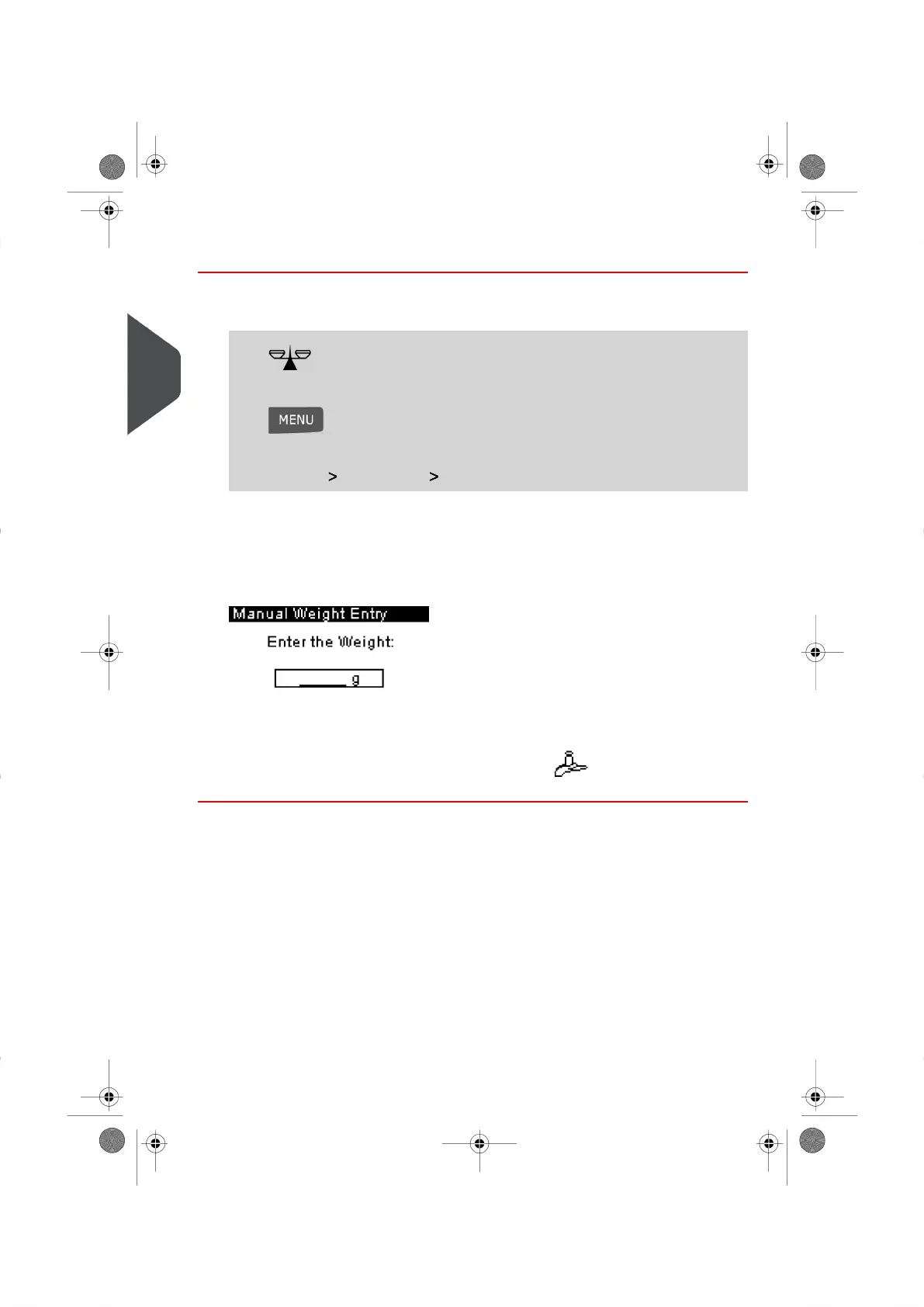
The Manual Weight Entry screen is displayed.
3. Enter the weight (in g ) and press [OK] to accept.
The Home Screen displays the Manual Weight icon ( ) and the weight entered.
48
| Page 48 | | |
3
Processing Mail





 To Next Page