Selecting an Account Mode5.5
How to Display and Change the Account Mode
See also
•
Guidelines for Setting up an Account on page 66 .
To display and change the 'Account Mode':
1. Log in as the supervisor (see How to Log in as the Supervisor on page 114 ), then
Press and type 5.1
Or
Select the path: Account Management Account Mode Selection
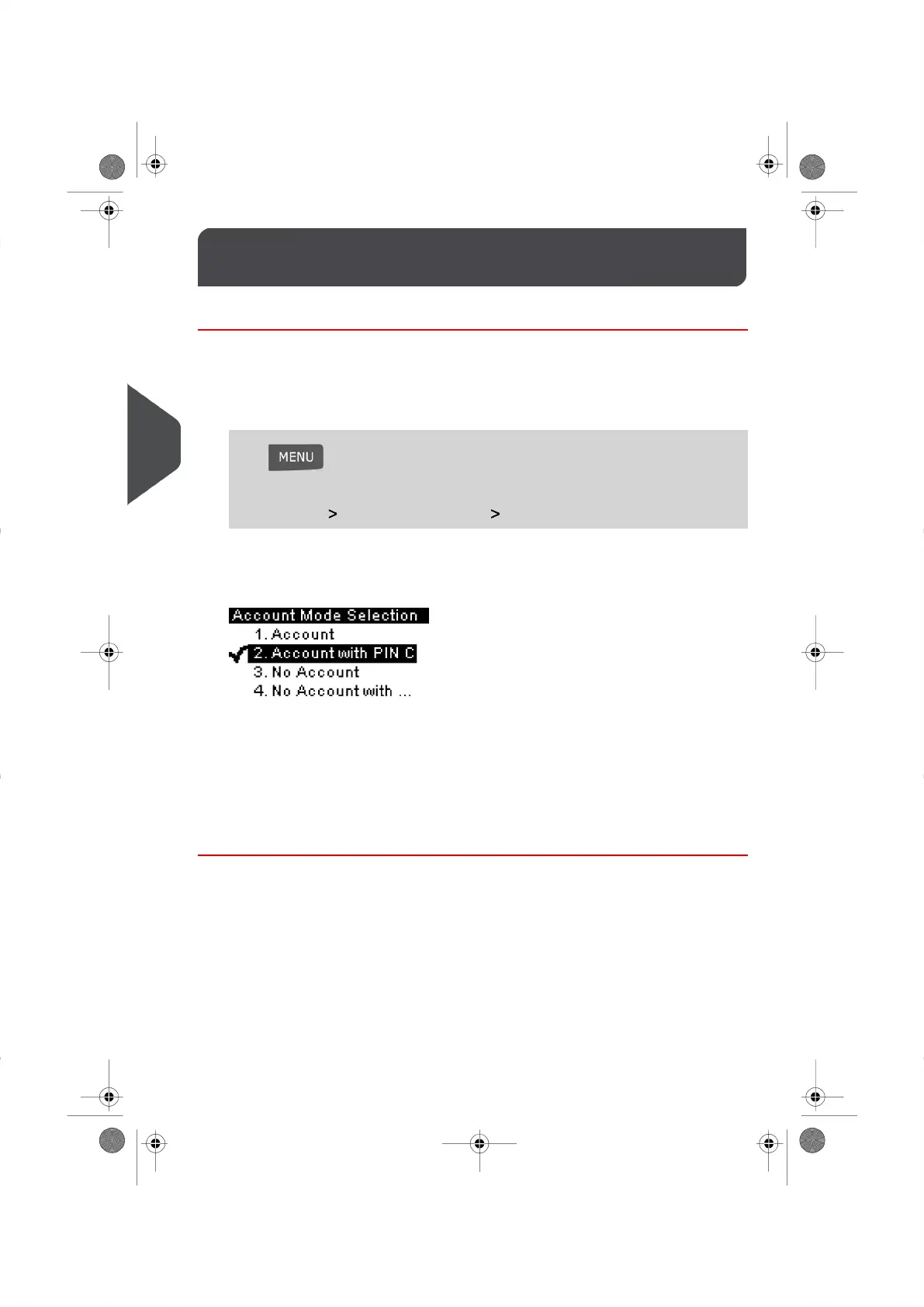
The Account Mode Selection screen is displayed with the active Account Mode
highlighted.
2. Select another Account Mode from the list displayed.
The system asks for a confirmation.
3. Press [OK] to accept.
4. If required, enter the Security PIN Code and press [OK] .
Your Mailing System will confirm that the Account Mode has been changed.
70
| Page 70 | | |
5
Managing Accounts and Assigning Rights





 To Next Page