Managing Options10.3
Reviewing theOptions List
How to Display Options
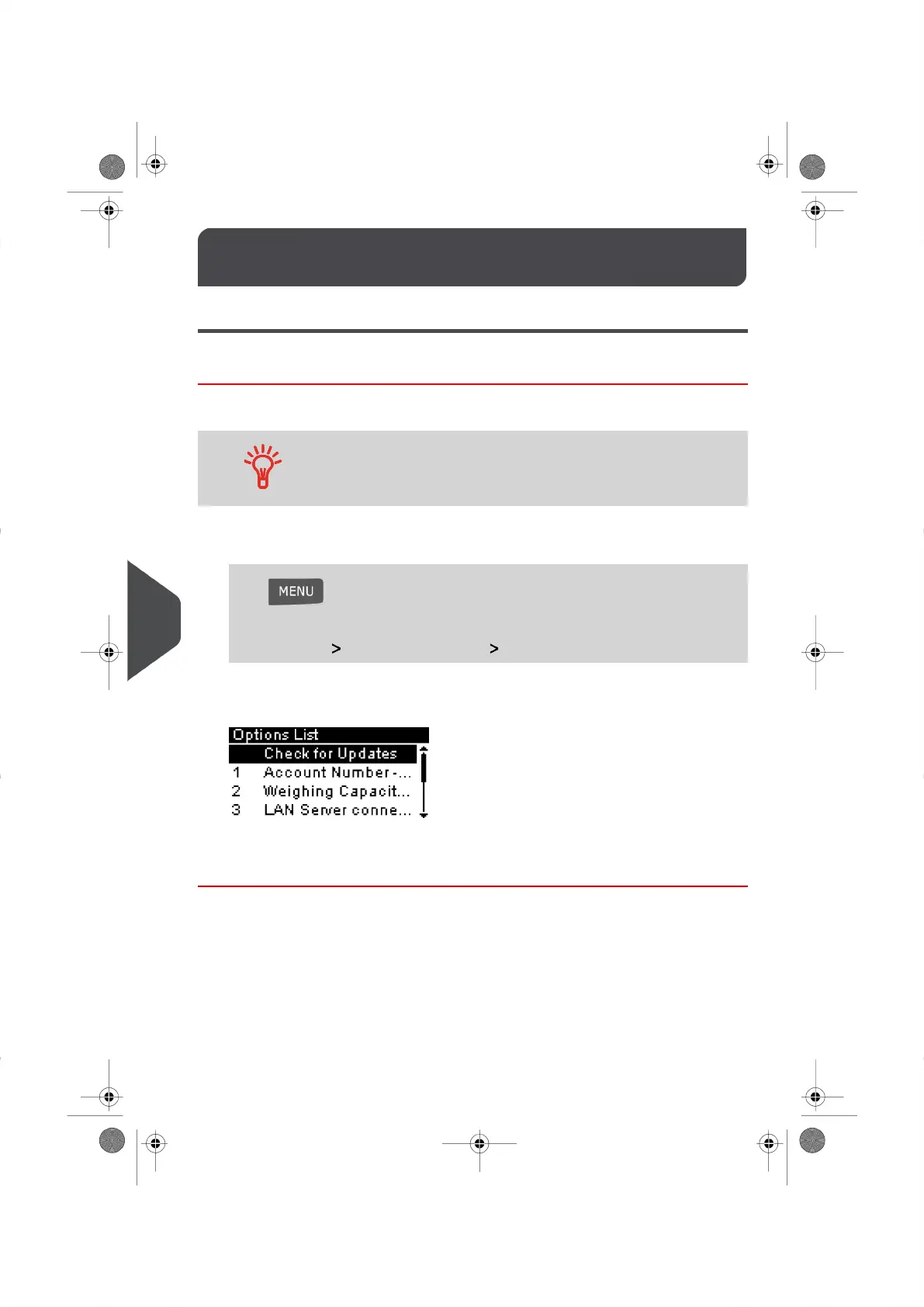
The Options List provides you with a listing of all of the options that are available on your
Mailing System and indicates the options that are activated.
For more information about the options you can add to your Mailing
System, please contact our Customer Service Centre or your
authorized Neopost Dealer.
To display the Options List:
1. Log in as the Supervisor (see How to Log in as the Supervisor on page 114 ), then
Press and type 8.1
Or
Select the path: Options and Updates Option List
The Options List Screen appears.
2. To display the details of a particular option, select the option you wish to view and
press [OK] .
148
| Page 148 | | |
10
Options and Updates





 To Next Page