2. Enter the length of the 'Time-Out' Setting.
3. Press [OK] to accept.
The Time-Out Settings Screen appears.
How to Change the 'Soft Off Time-Out' Setting in Supervisor
Mode
To change the Soft Off Time-Outs in Supervisor Mode:
1. Log in as the supervisor (see How to Log in as the Supervisor on page 114 ), then:
Press and type 3.5.2
Or
Select the path: Default User Settings Time-Out Settings Soft off Time-
Out
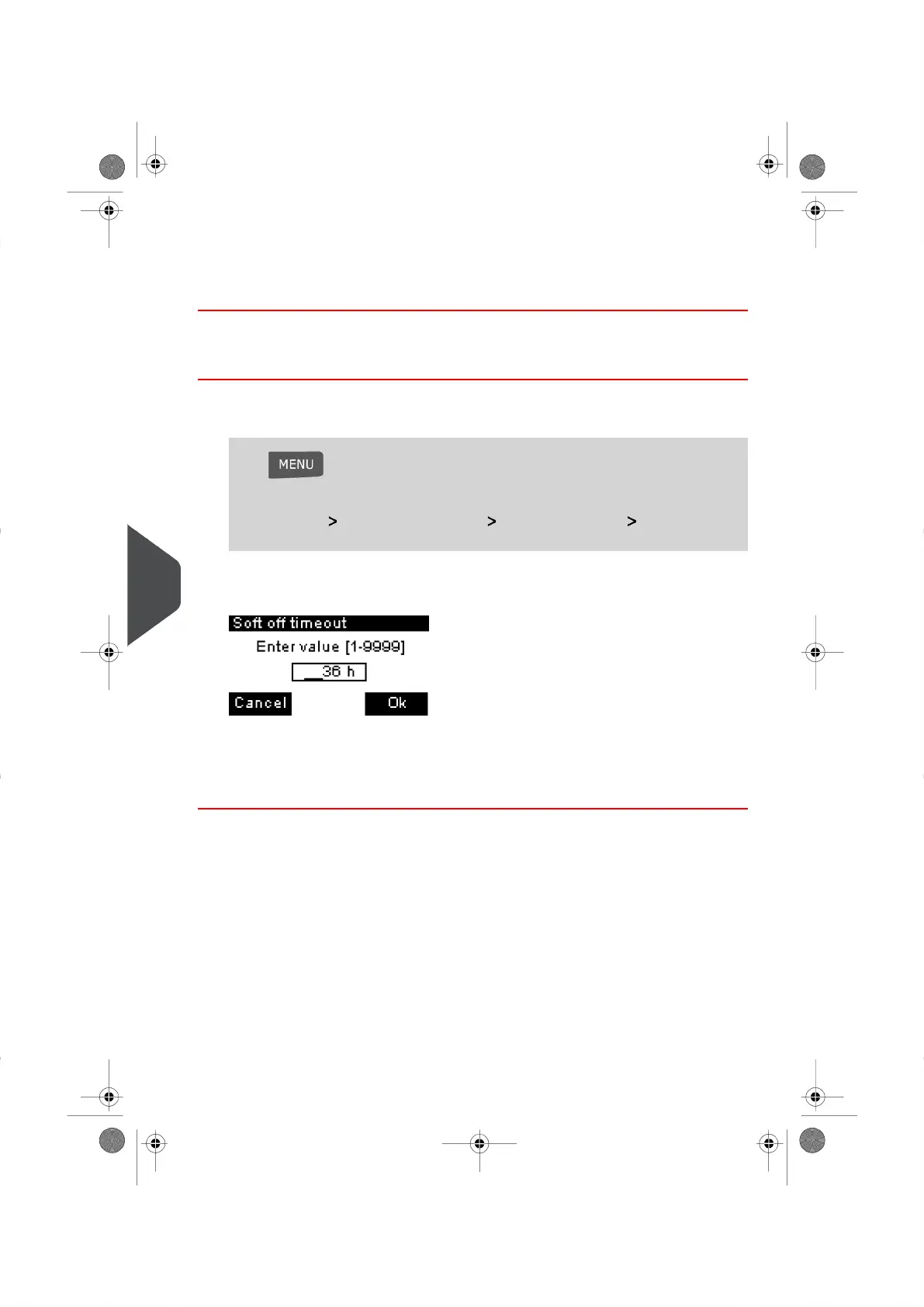
The Soft Off Time-Out Screen appears.
2. Enter the length of the Time-Out Setting.
3. Press [OK] to acccept.
The Time-Out Settings Screen appears.
122
| Page 122 | | |
9
Configuring your Mailing System




 To Next Page