Editing Accounts
Follow the instructions below to modify an Account Name or Account Status.
An Account Number cannot be edited once it has been created.
How to View / Edit Account Information
To view or edit Account Information:
1. Log in as the Supervisor (See How to Log in as the Supervisor on page 114 ):
Press and type 5.2.1
Or
Select the path: Account Management Manage Accounts Account List
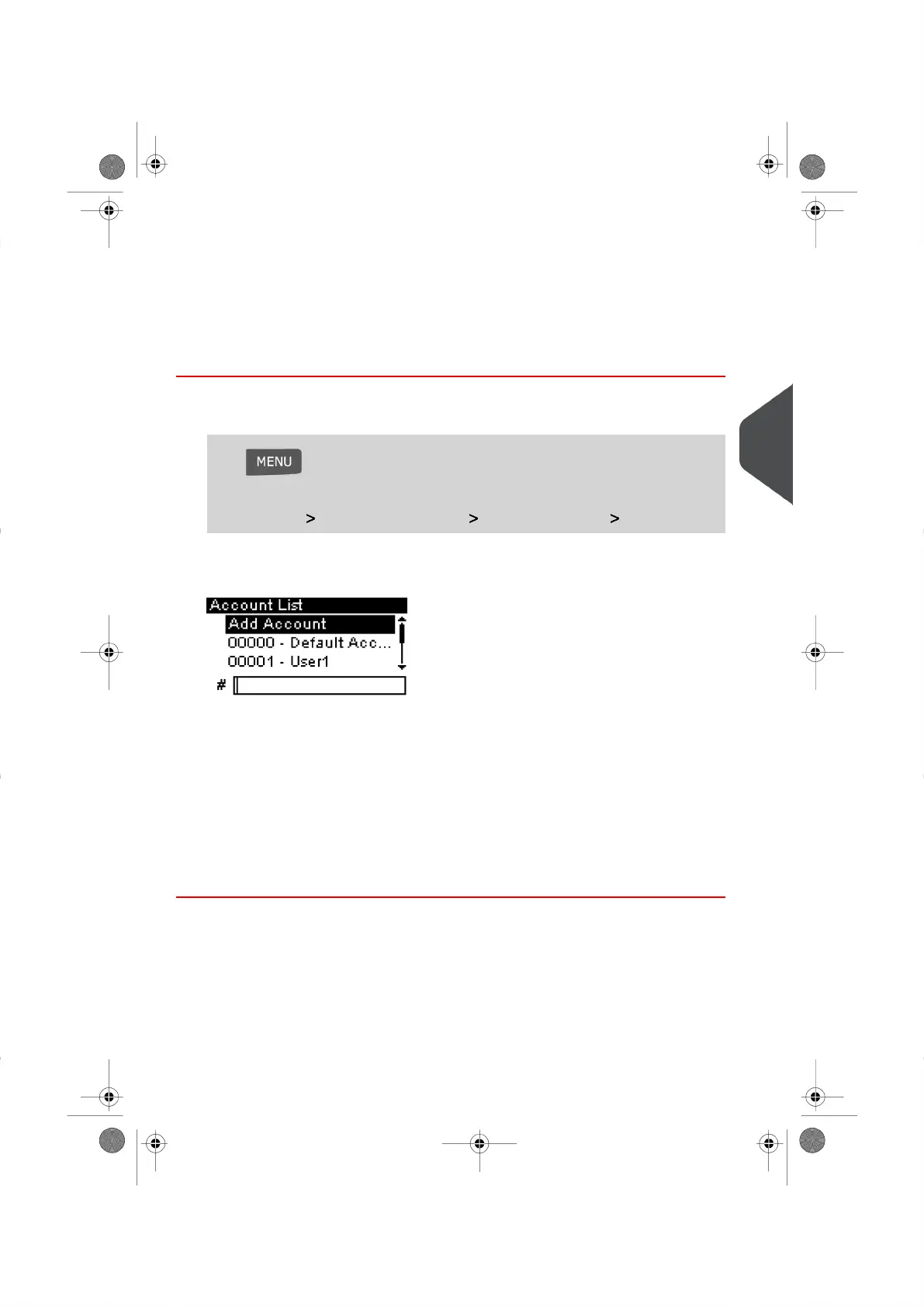
The Account List Screen appears.
2. Select the Account you wish to view/edit (or type the Account Number) and press
[OK] .
3. Select Edit / Modify (or type 1 ).
The Edit / Modify Screen appears.
4. Select and modify your Accounts preferences using the keypad (use key [C] to clear
characters).Then, press [OK].
The Account modification Summary Screen is displayed.
5. Press [OK] to accept your changes.
5
Managing Accounts and Assigning Rights
73
| Page 73 | |





 To Next Page