Selecting a Rate
Selecting a rate allows your Mailing System to calculate the postage amount once the mail
piece Weight is received.
Weight can be determined by using a Weighing Device or by entering it manually (Manual
Entry is used mainly for large parcels).
For details on Manual Weigh Entry, seeHow to Enter the Weight Manually on page 48 ).
Your System provides you with several ways to select a Postage Rate:
•
Using the Shortcut Keys displayed on the Rate Selection Screen.
•
Using the Rate Wizard to select the rate options you need for a specific job run (such
as Postage Rate, destination, format, options, etc.).
Press to select the Default Rate and refresh the weight.
How to Select a Rate
To select a rate:
1. Either:
Press
Or
Press and type 4
Or
Select the path: Rate Selection
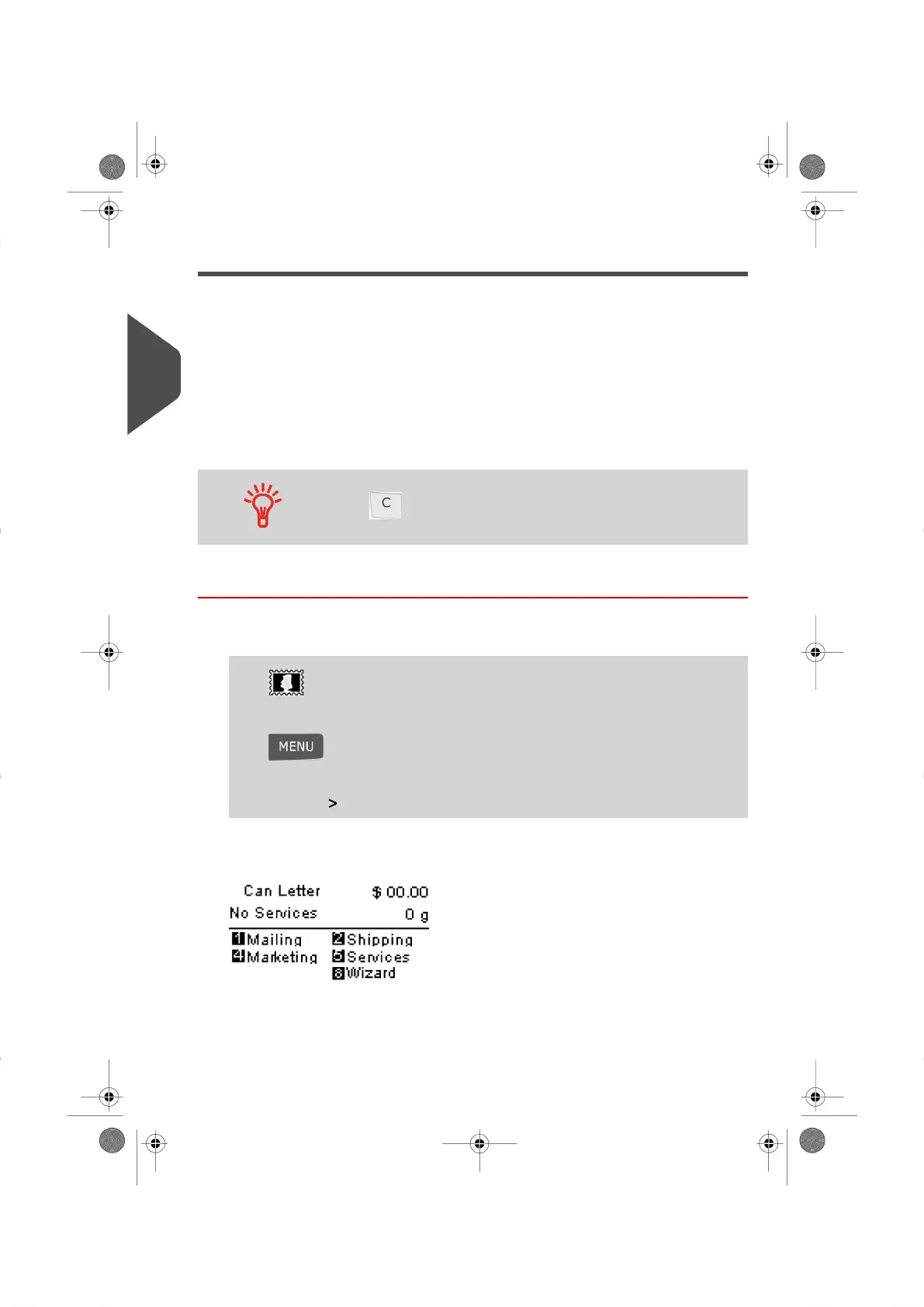
The Rate Selection Screen appears.
44
| Page 44 | | |
3
Processing Mail





 To Next Page