How to Change the Weighing Mode
To change the Weighing Mode from the Home Screen:
1. Either:
Press
Or
Press and type 2.1
Or
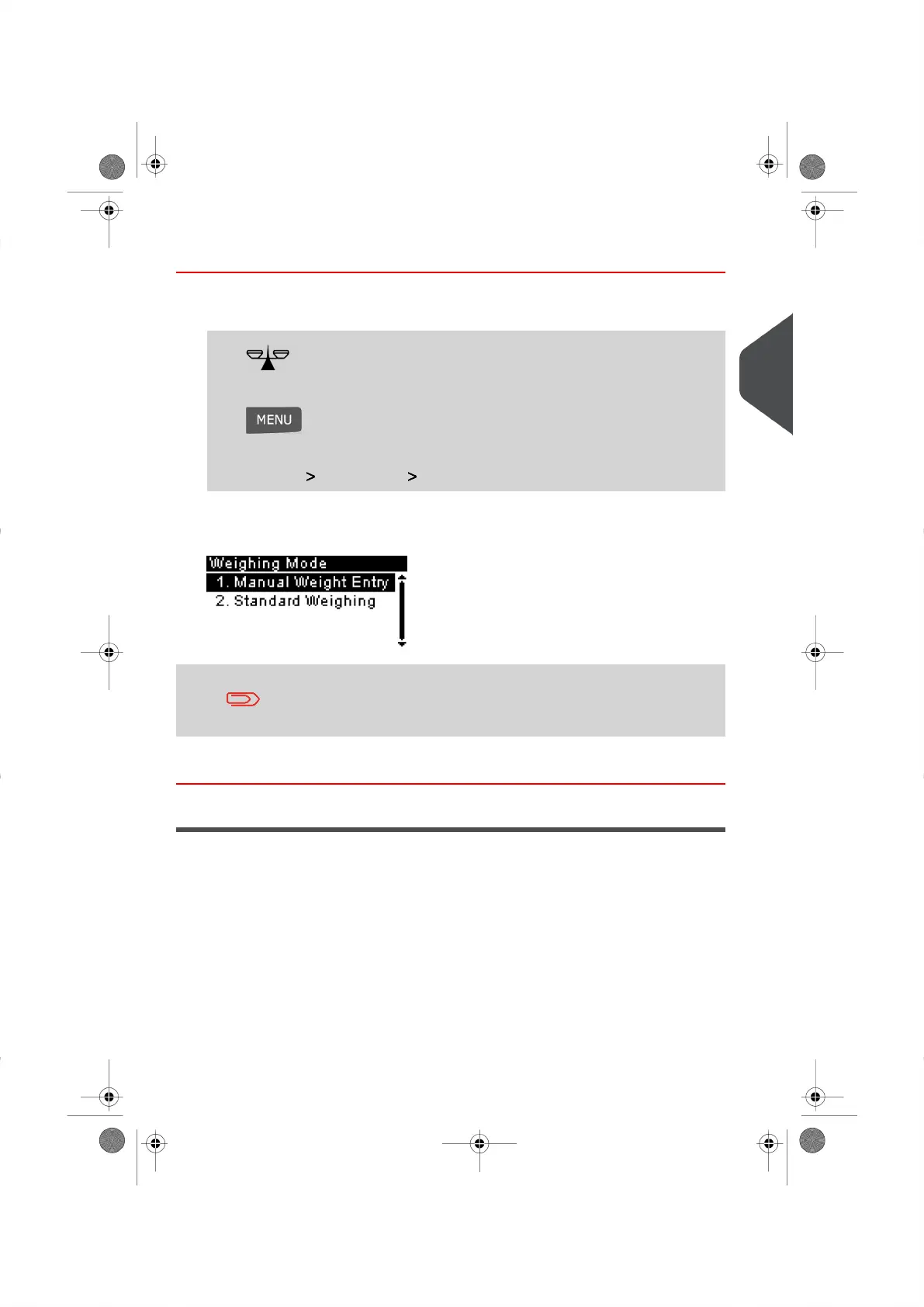
Select the path: Job Settings Weighing Mode
The Weighing Mode screen is displayed.
The options displayed on the screen depend on the Weighing
Devices that are connected to your Mailing System.
2. Select the Weighing Mode and press[OK] .
Entering Weight Manually
You can enter the weight of an item manually if the item exceeds the weighing capacity of
your Weighing Platform.
If this situation occurs, you will need to print the postage amount on to a Label that is to be
attached to the item.
3
Processing Mail
47
| Page 47 | |





 To Next Page