How to Apply Postage (Running Mail)
In Manual Weight Entry Mode
1. Select a Postage Rate and add Services (If required).
2.
Press .
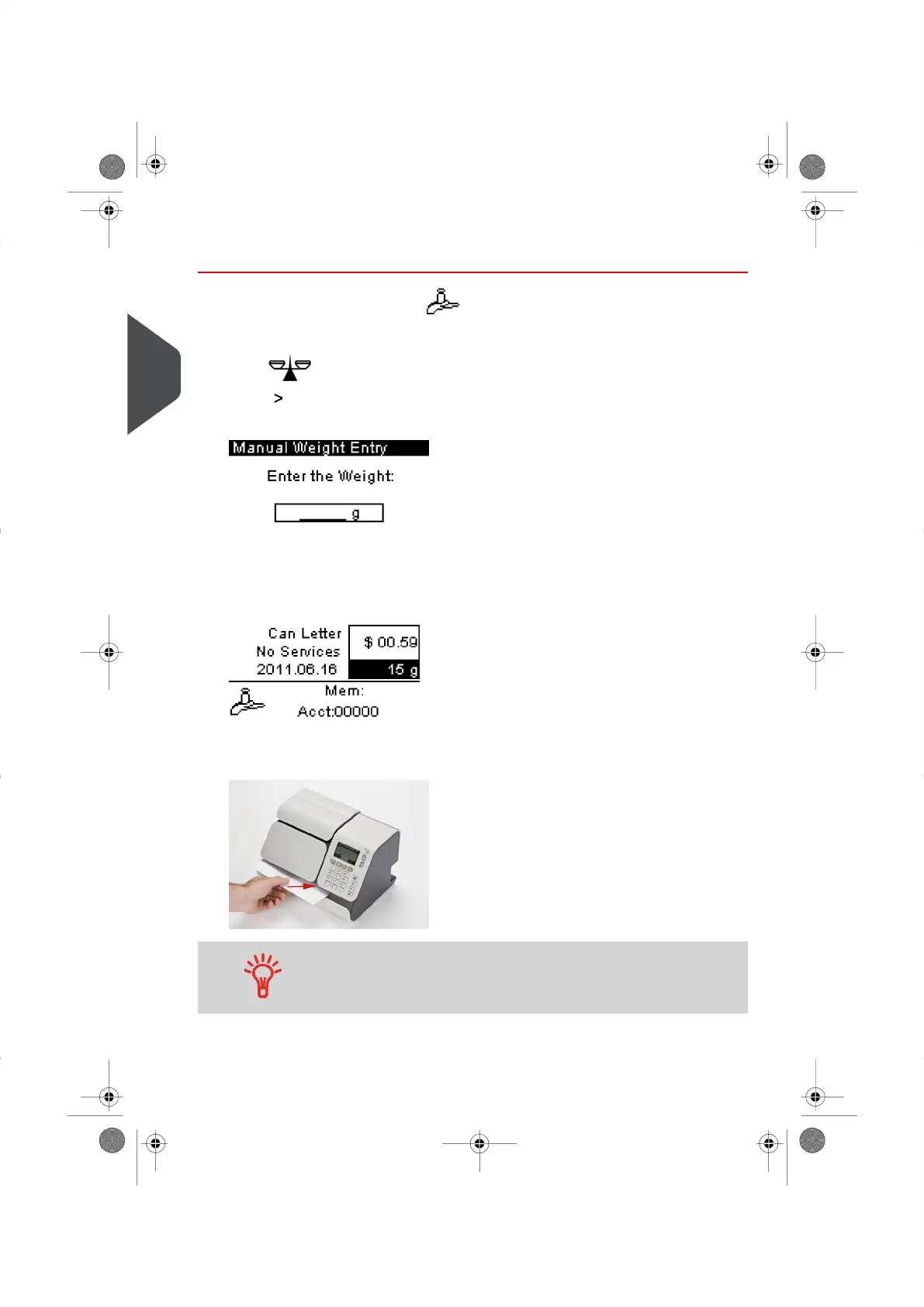
3. Select Manual Weight Entry and press [OK]
The following screen will appear.
4. Enter the weight and press [OK] .
The weight of the mail piece is displayed in the Weight Area of the Home Screen and
the postage amount is calculated.
5. Insert the mail piece (or a label into the mail path, with the side to be printed facing
upwards.
If a mail piece is larger than mail path maximum thickness (See
Mail Specifications on page 179 ), you can use labels.
32
| Page 32 | | |
3
Processing Mail





 To Next Page