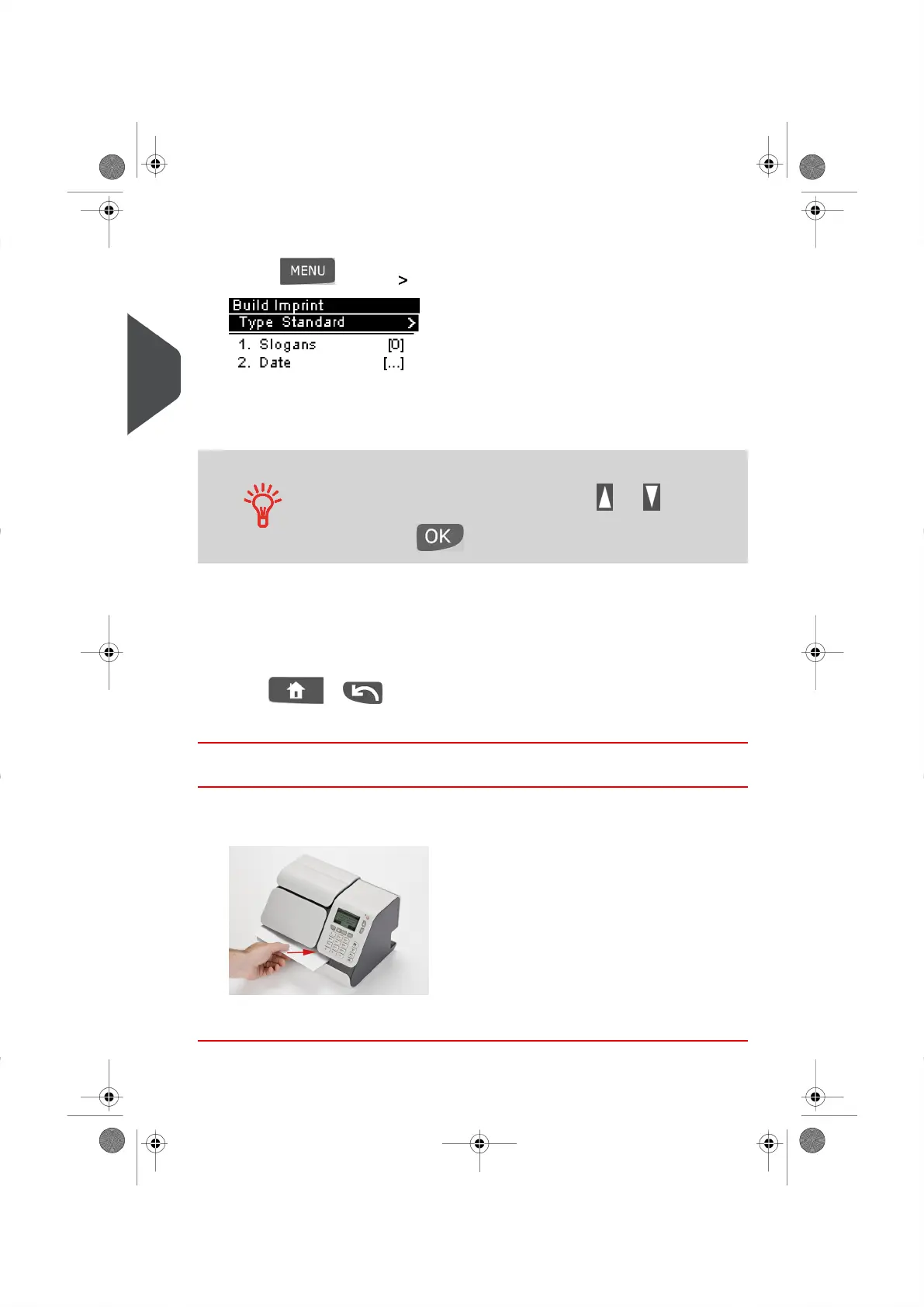
2. To change the type of Meter Impression:
– Press and type 1 to access the Build Imprint screen.
– Select Type and press[OK].
– Select Received from the Type of Impression Screen and press [OK] .
To select an option on the displayed screen:
Highlight the option using the arrow keys and
Then press to validate your selection.
At this point you can also:
- Activate or deactivate printing the Date.
- Activate or deactivate printing 'Received'.
The screen indicates the current status of these options. Select an option to change.
Press or to return to the Home Screen.
You are now ready to process your mail.
How to Process Received Mail (Running Mail)
To print a Received Mail Meter Impression
1. Insert the mail piece into the system, with the side to be printed facing upwards.
2. The Mailing System prints the Impression on the mail piece or label.
42
| Page 42 | | |
3
Processing Mail





 To Next Page