Printing a Manifest [Statement
of Mailing]
3.5
In this Section
This section describes the system settings to be selected and the mail preparation steps
to be completed in order to print a Manifest [Statement of Mailing ].
How to Set up a Manifest
Required settings:
1. Make sure you are on the
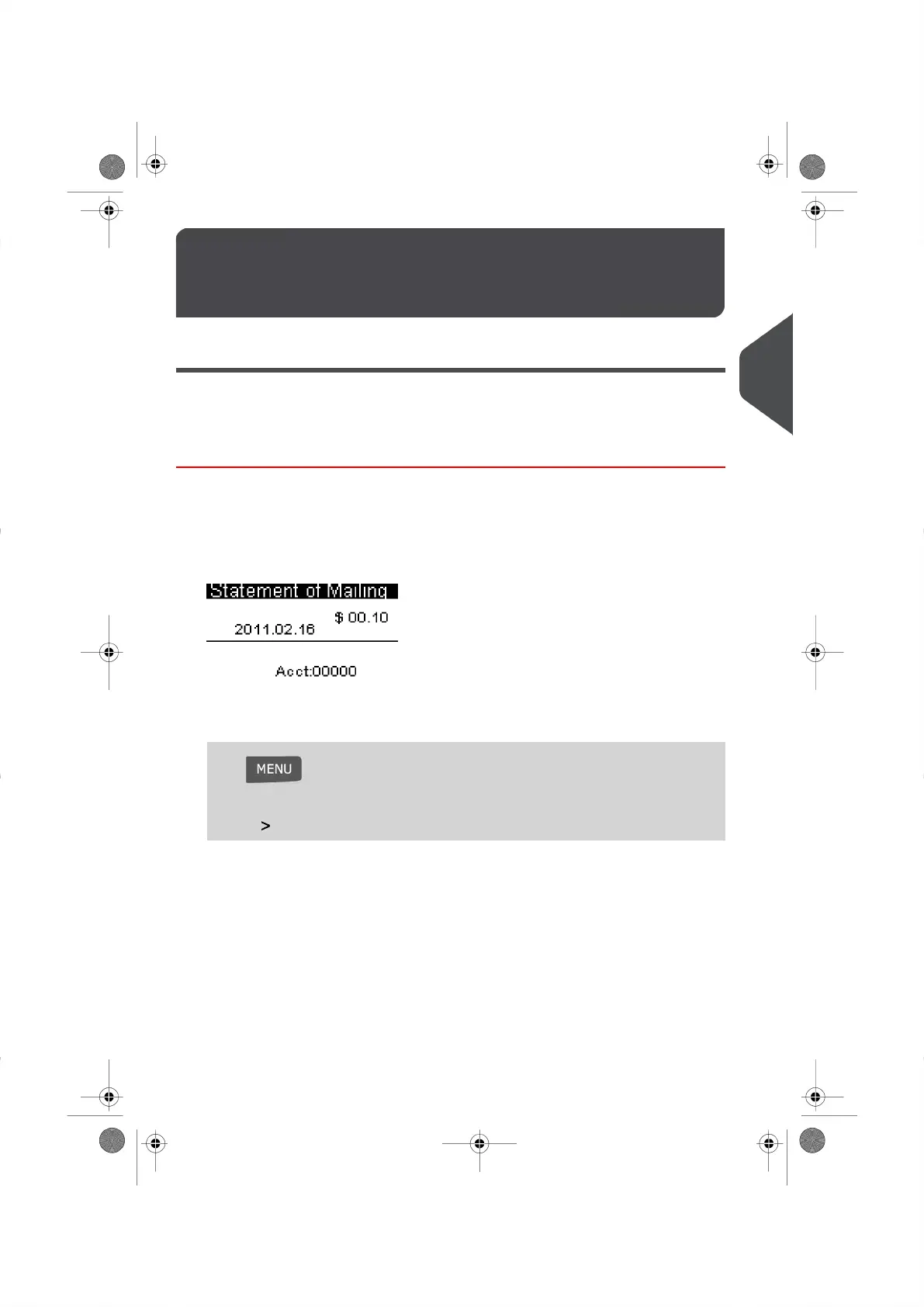
[Statement of Mailing screen ]
.The Home Screen indicates the date as illustrated below.
2. To modify the manifest:
Press and press 1
Or
Choose Build Imprint and press [OK]
3. Next press [OK] to display the Type of Imprint Screen.
39
| Page 39 | |
3
Processing Mail




 To Next Page