Overview10.1
You can enhance the functionality of your Mailing System by:
•
Updating Postage Rates.
•
Downloading custom Slogans.
To update your Mailing System's Operating System, see
myEquipment E-Services on page 89 .
Follow the instructions below to add extra options as needed.
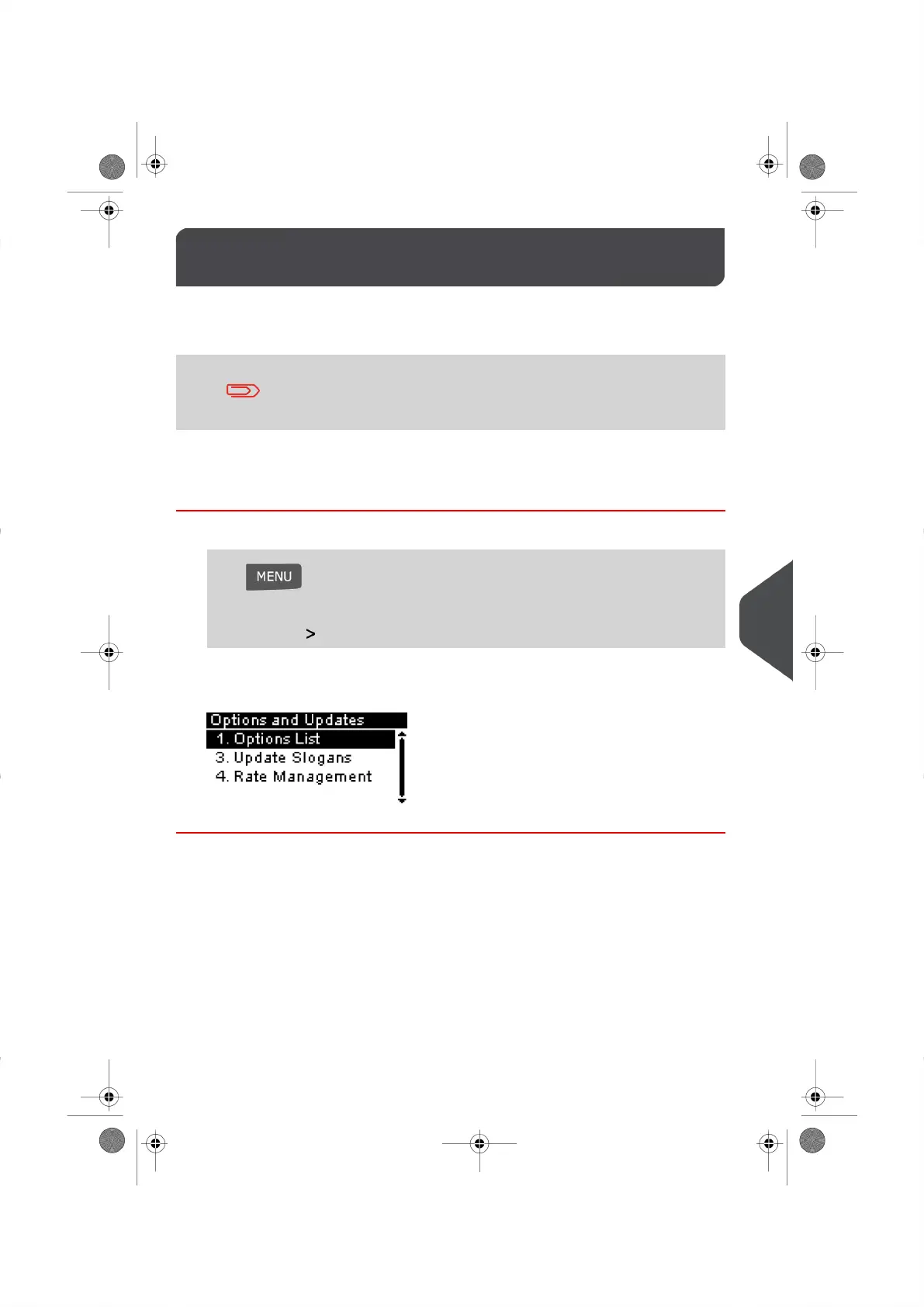
How to Access the Options and Updates Menu
1. Log in as the Supervisor (see How to Log in as the Supervisor on page 114 ), then
Press and type 8
Or
Select the path: Options and Updates
The Options and Updates Menu appears.
145
| Page 145 | |
10
Options and Updates





 To Next Page