How to Add or Remove a Slogan
To add or remove a Slogan from your Meter Impression:
1. Either:
Press and type 1 or select the path:
Build Imprint
2. Select Slogan and press [OK] (or type 1 ).
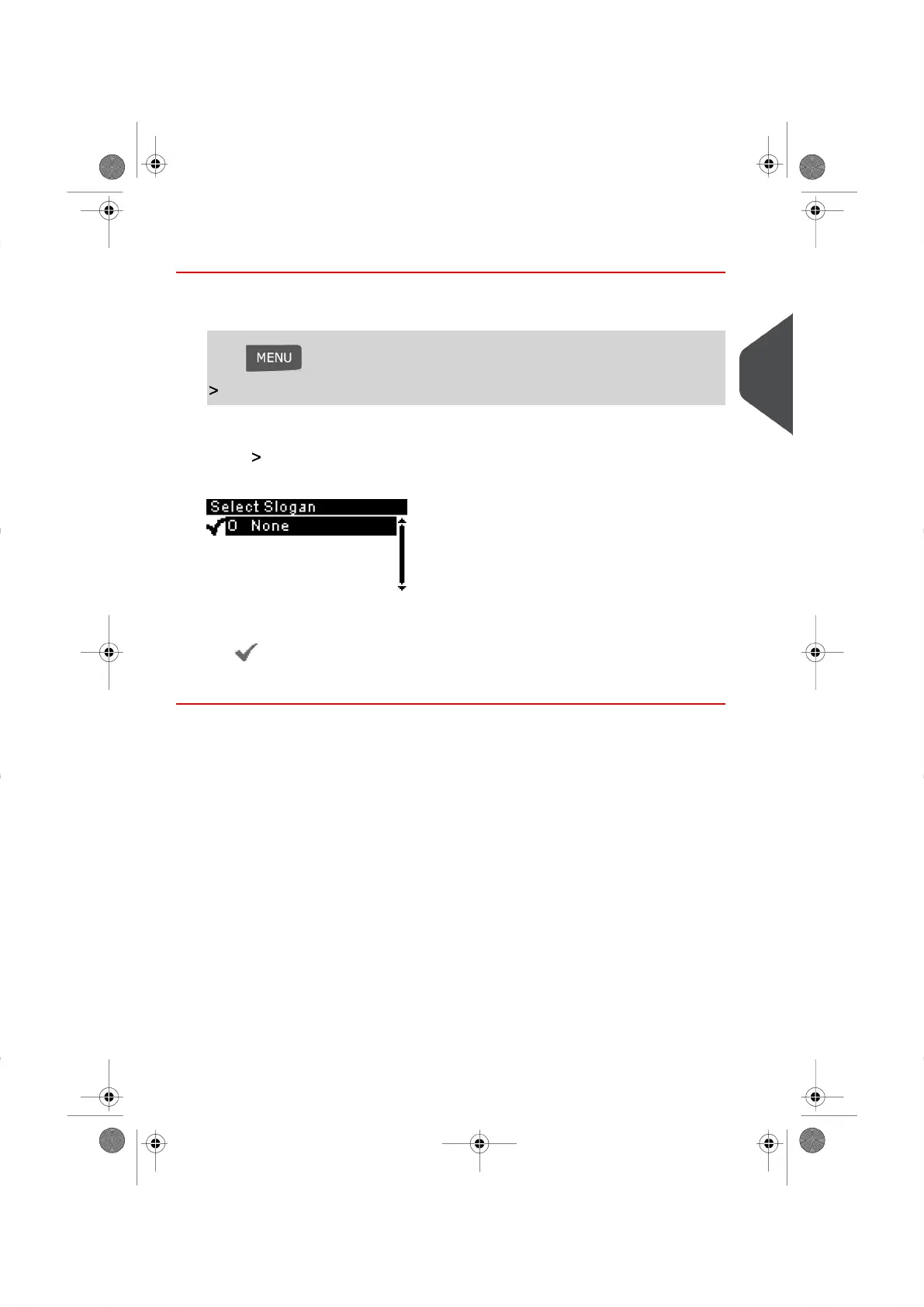
The Select Slogan Screen appears.
3. Select the Slogan from the list displayed or select None for printing without a Slogan.
The icon indicates your current selection.
4. Press [OK] to validate your selection.
3
Processing Mail
51
| Page 51 | |





 To Next Page