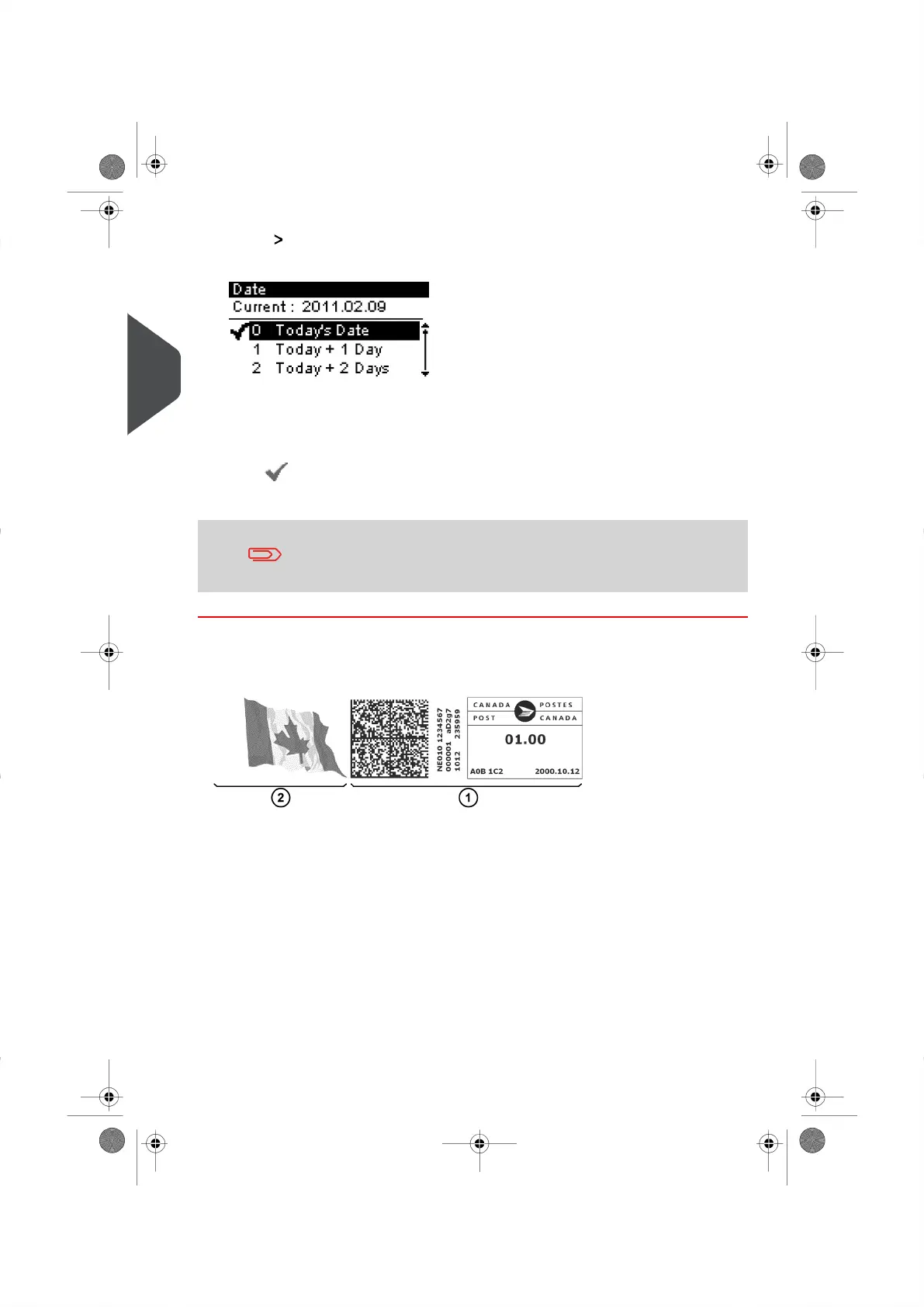
2. Select Date and press [OK] (or type 3 ).
The Date Advance screen is displayed.
3. From the Date Advance Screen, you can now configure the Date to be printed as
follows:
- To choose another Day, select the corresponding item from the list.
- The icon indicates the current selection.
4. Press [OK] to apply your changes and return to the Configuration Menu.
The Date can be advanced up to 30 days from today's date.
Adding a Slogan
You can add a Slogan to your Meter Impression, as illustrated below.
1 Standard Meter Impression.
2 Slogan.
50
| Page 50 | | |
3
Processing Mail





 To Next Page