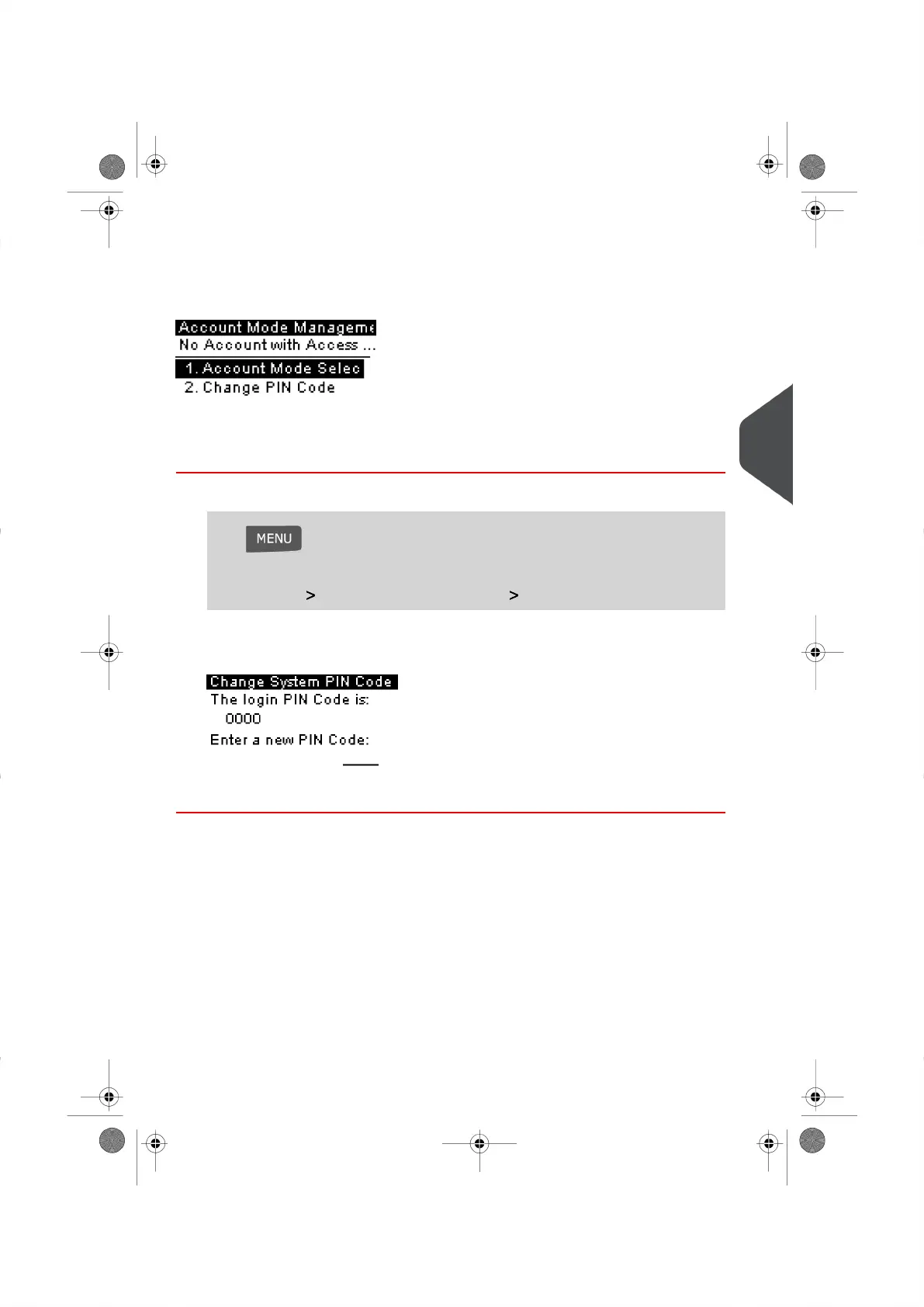
Account Mode Management Menu
The Account Mode Management Menu allows you to change the shared PIN Code as
needed.
How to Change a Shared PIN Code
1. Log in as the Supervisor (See How to Log in as the Supervisor on page 114 ), then
Press and type 5.2
Or
Select the path: Account Mode Management Change PIN code
The PIN Code screen appears.
2. Enter the new PIN Code and press [OK] .
5
Managing Accounts and Assigning Rights
67
| Page 67 | |





 To Next Page