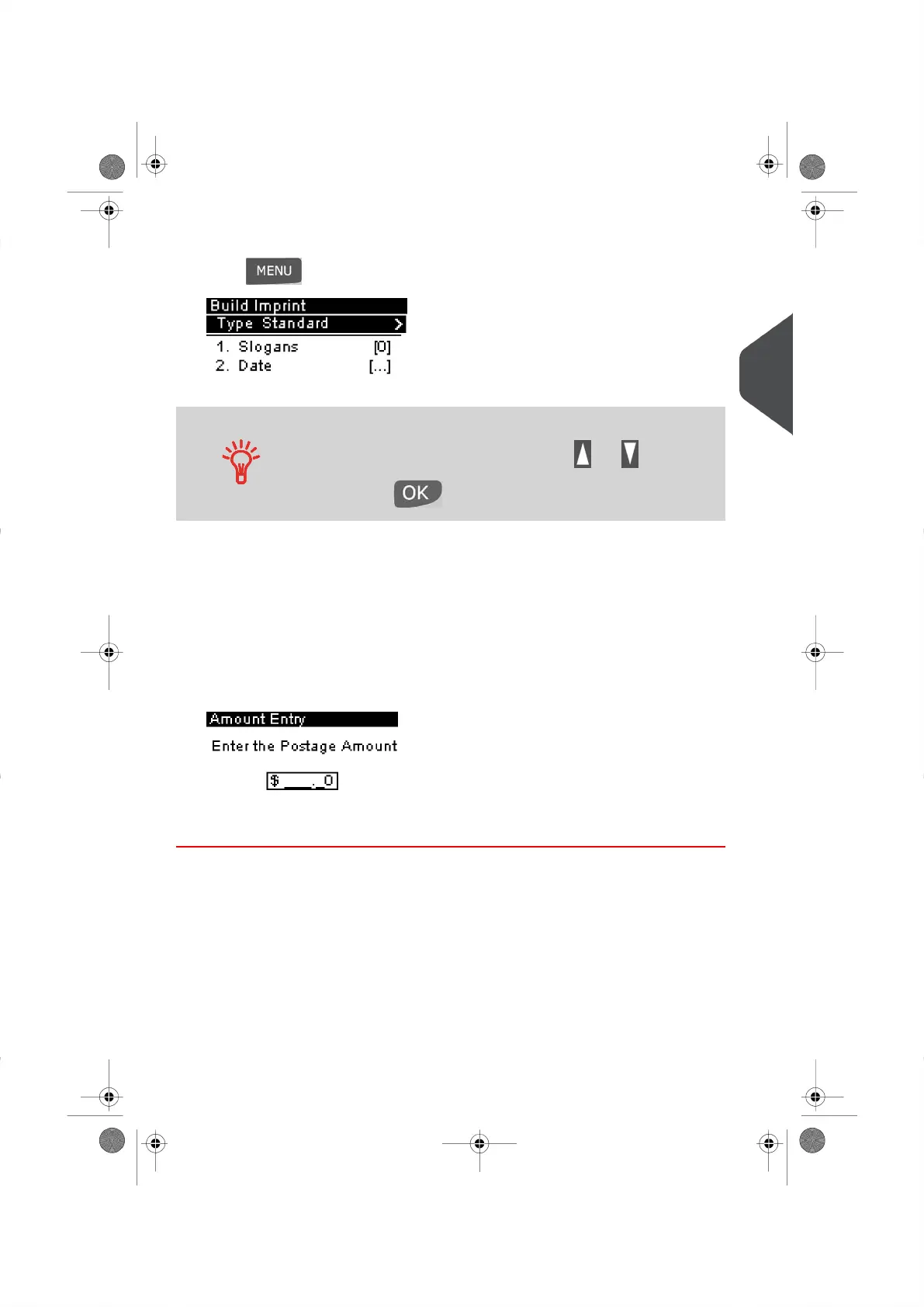
2. To change the type of Meter Impression .
Press and type 1 to access the Build Imprint screen.
To select an option displayed on the screen:
Highlight the option using the arrow keys and
Then press to accept your selection.
Then:
– Select the Type line and press [OK].
– Select [Postage Correction ] and press [OK].
– Select [Amount ] and press [OK].
3. Set the postage Value to the desired Amount :
– Key in the Postage Amount once the Manual Amount screen appears.
– Press [OK] to accept the Postage Value.
You are now ready to process your mail.
3
Processing Mail
35
| Page 35 | |





 To Next Page