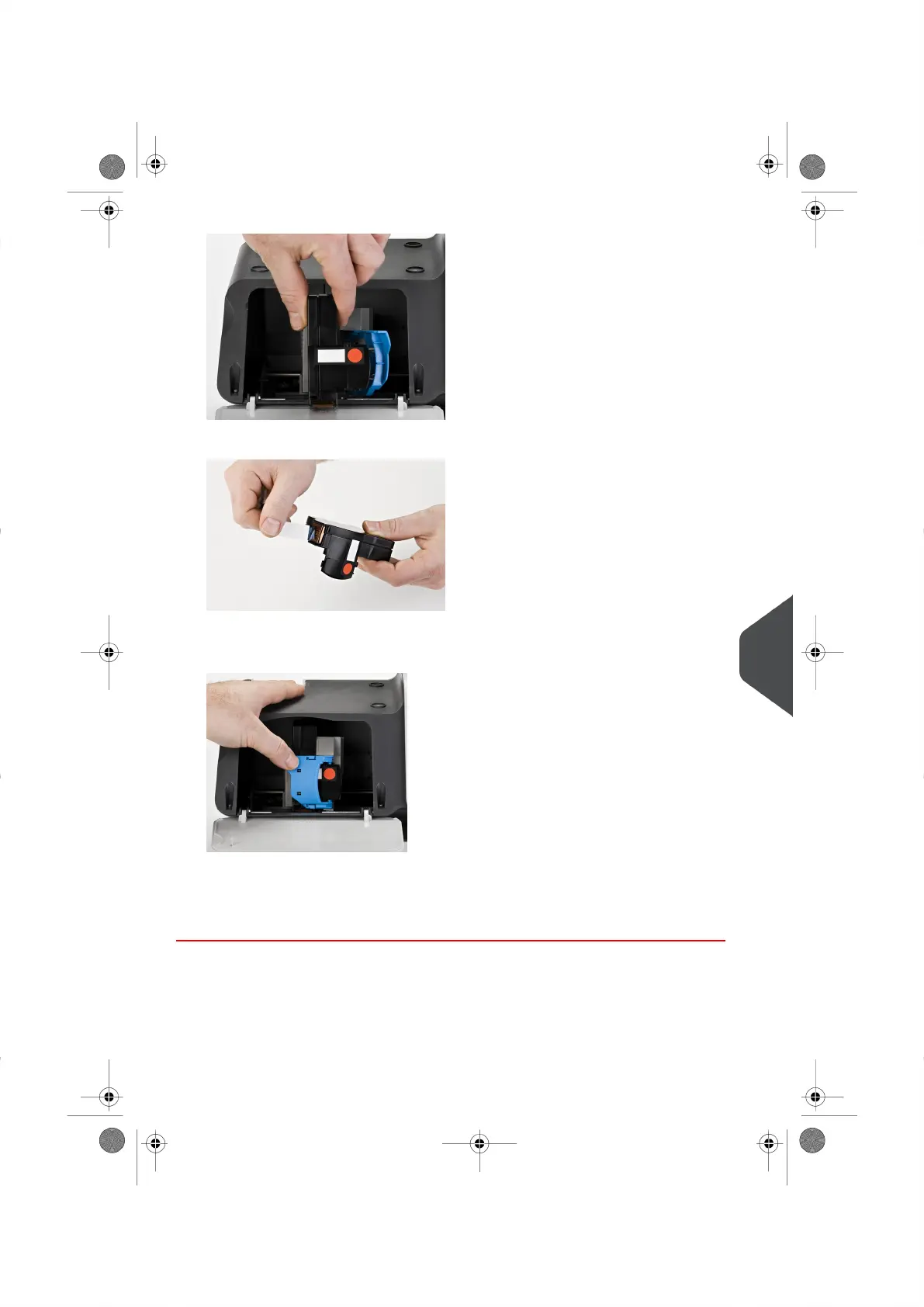
3.
Pull the cartridge towards you to disengage it.
4.
Remove the protective strips from the new Ink Cartridge.
5. Insert the new Ink Cartridge, and then push it forward.
6.
Put the blue lever back into place.
7. Close the Cover.
8. Press [OK] to complete the process.
11
Maintaining your Mailing System
165
| Page 165 | |





 To Next Page