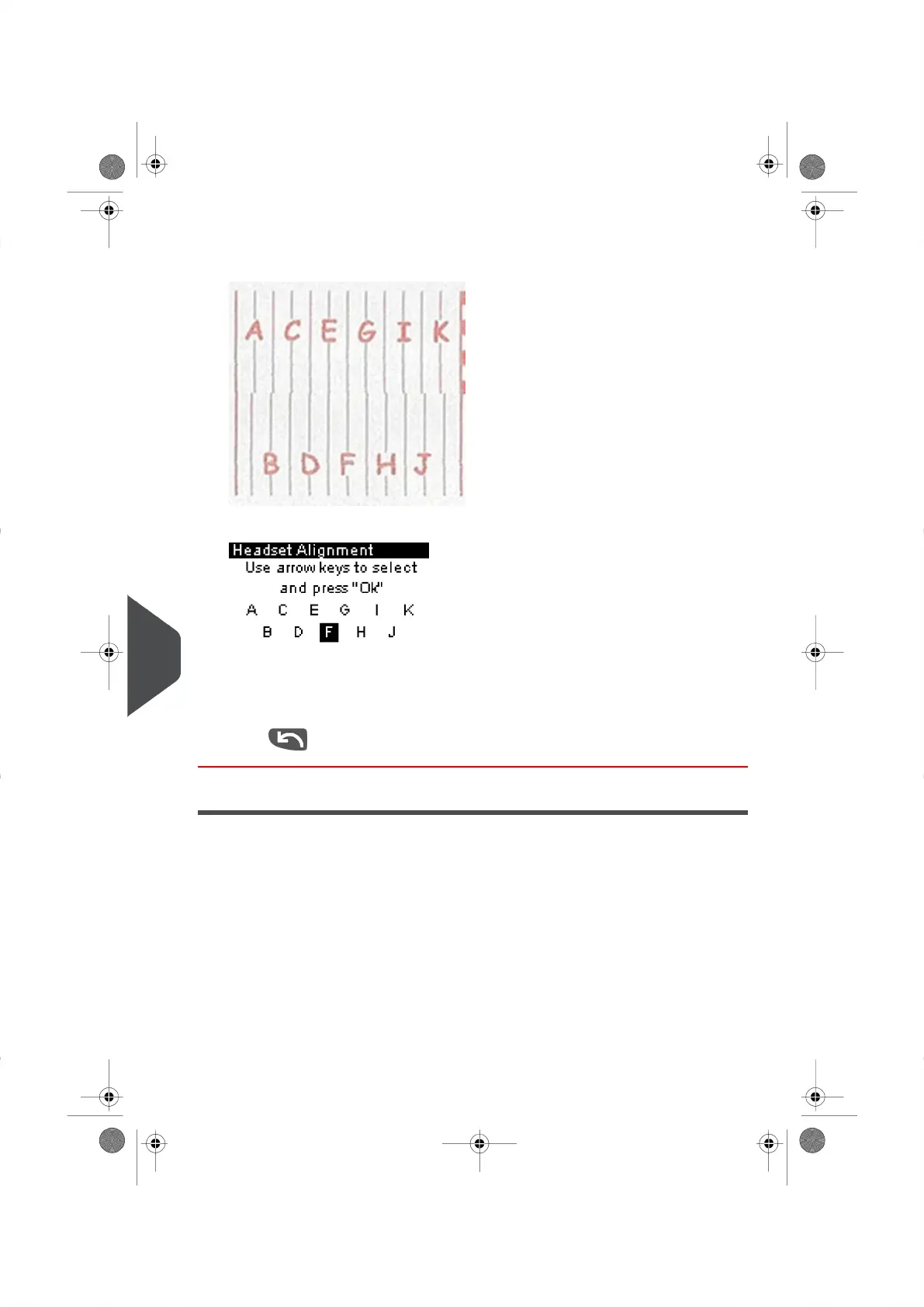
2. Press[OK] and place a piece of paper in the mail path.
The system will print a test pattern.
The Set Headset Alignment Screen appears.
3. Observe the pattern and use the up/down keys to select the letter that corresponds
to the straightest and complete vertical line (here G or H ).
4. Press [OK] to validate.
5.
Press to go back to the Ink Cartridge menu after alignment is completed.
Cleaning the Printing Head
If your Meter Impression do not look sharp and clear, clean the Print Heads to restore your
print quality.
If the printing head has to be cleaned too often, change the automatic cleaning interval as
indicated.
162
| Page 162 | | |
11
Maintaining your Mailing System





 To Next Page