511026 Rev. 07-01-19
57
I
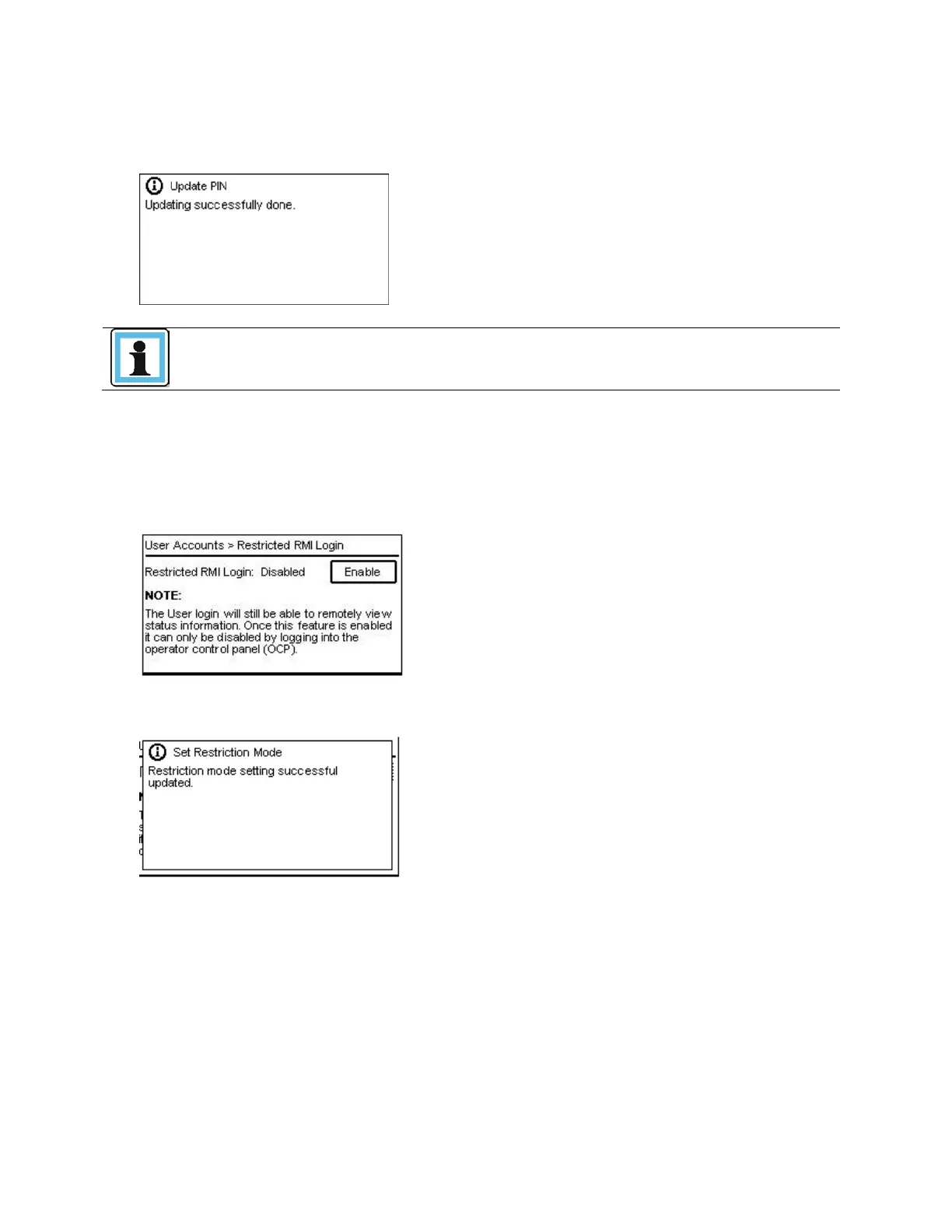
f pressing Yes or in case a different PIN was entered, the PIN update is confirmed with the following
message.
As long as you stay logged in, the new PIN will not become active. The new PIN
becomes valid after you logout of the current session.
From the OCP Configuration > User Accounts > Restricted RMI Login page you can enable RMI
Login restriction. If the Restricted RMI Login is enabled, the administrator and the security accounts will
not be able to login via RMI anymore. The administrator has to disable the restriction mode via OCP.
1. A
fter entering the Restricted RMI Login page, the screen below will be shown.
2. P
ress Enter to enable the Restricted RMI Login. The following screen will be shown to inform t
he
us
er that the Restricted RMI Login is enabled.



 To Next Page