ppbRAE 3000 User’s Guide
61
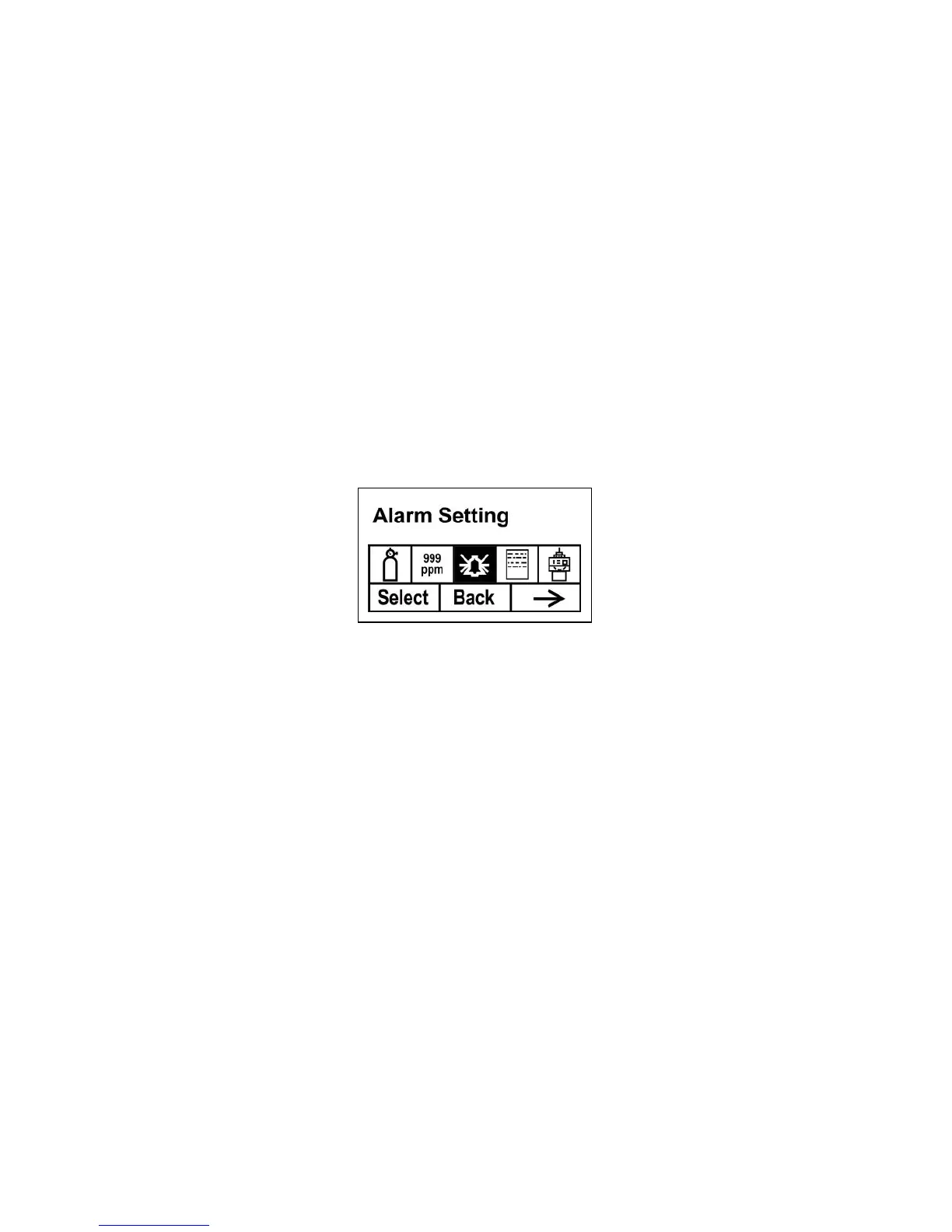
Alarm Setting
During each measurement period, the gas concentration is compared
with the programmed alarm limits (gas concentration alarm limit
settings: Low, High, TWA and STEL). If the concentration exceeds
any of the preset limits, the loud buzzer and red flashing LED are
activated immediately to warn of the alarm condition.
An alarm signal summary is shown on page 32.
In this menu, you can change the High and Low alarm limits, the
STEL limit, and the TWA. Press [Y/+] to to enter the Alarm Setting
menu. Note: All settings are shown in ppm (parts per million), or
mg/m
3
(milligrams per cubic meter), depending on your setting.
1. Scroll through the Alarm Limit sub-menu using the [N/-] key
until the display shows the desired limit to be changed (High
Alarm, Low Alarm, STEL Alarm, and TWA Alarm)
2. Press [Y/+] to select one of the alarm types. The display
shows a flashing cursor on the left-most digit of the
previously stored alarm limit.
3. Press [Y/+] to increase each digit’s value.
4. Press [N/-] to advance to the next digit.
5. Again, use [Y/+] to increase the number.
Repeat this process until all numbers are entered.
Press [MODE] when you are done.
Press [Y/+] to save the changes.
Press [N/-] to undo the changes and revert to the previous
settings.
When all alarm types have been changed or bypassed, press [MODE]
to exit to the Programming Menu.



 To Next Page