Configuration
R&S
®
TS7124M
86User Manual 1525.5394.02 ─ 05
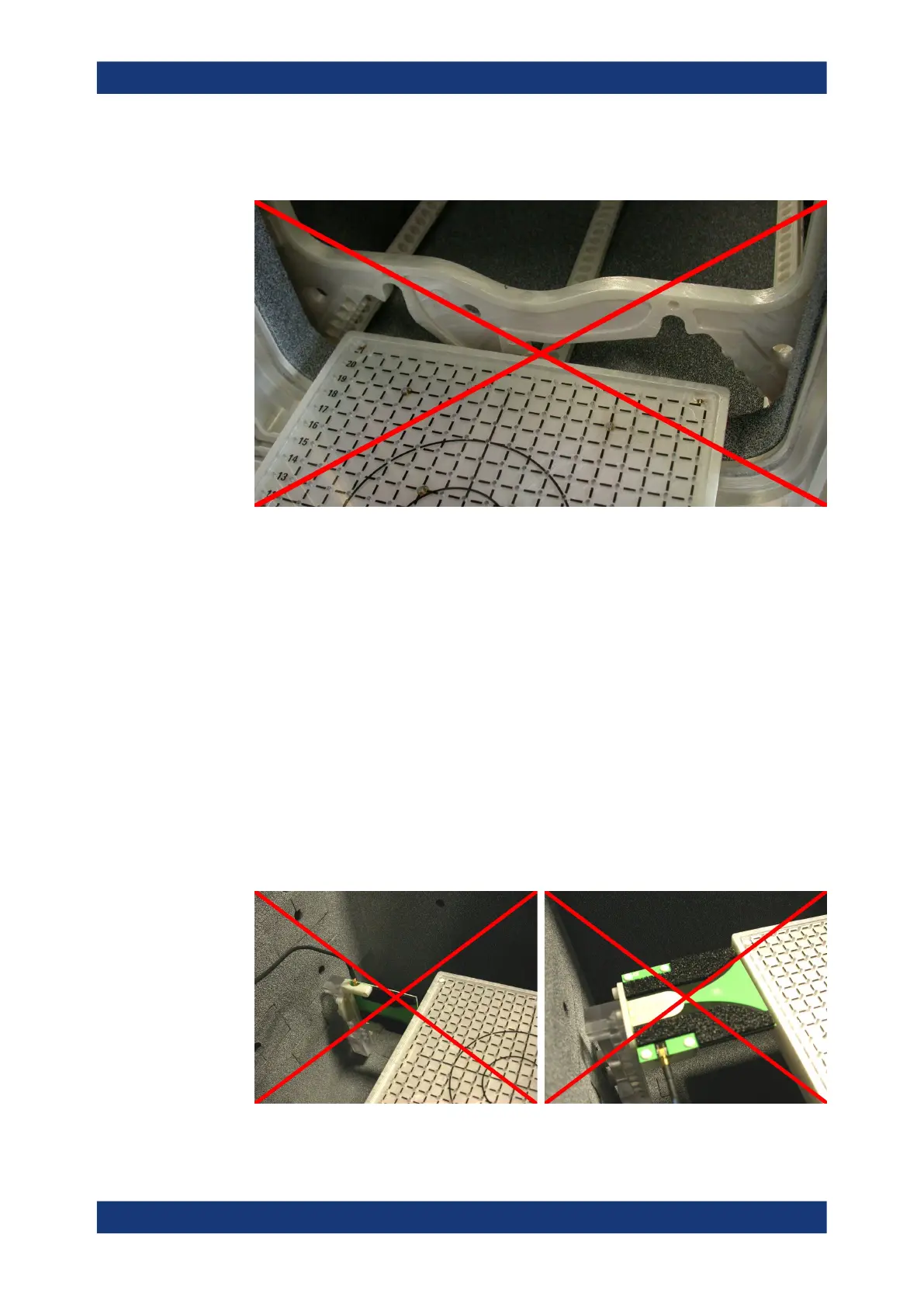
Together with the full antenna ring, only mount the DUT tray in the higher posi-
tion.
Figure 7-13: Do not mount the DUT tray in the lower position, if the full antenna ring is in the
chamber
NOTICE! Risk of tray collision with Vivaldi antennas. If one or more Vivaldi anten-
nas are mounted in the chamber on the antenna holder, the DUT holder tray moun-
ted in the upper or lower position can collide with the antennas. The risk of collision
depends on the positions, on the rotational orientation and on the size of the anten-
nas. In a situation that leads to collision, closing the drawer can damage or destroy
the antennas, and possibly also the antenna holder, cables, the DUT holder tray
and the DUT.
To avoid a collision, mount the antennas out of the way of the DUT holder tray. This
is possible in some antenna positions, but not in all positions.
To be sure that a collision is avoided, carefully test the chosen antenna positions:
Manually close the drawer and watch the path of the tray, while the top cover is
opened. Be aware that a heavy DUT (maximum load 1 kg) on the DUT holder tray
can bend its far end down by several millimeters.
If you have identified safe antenna positions, prevent other users or operators from
changing these positions.
Figure 7-14: Do not mount Vivaldi antennas in the way of the DUT holder tray
Mounting a DUT holder tray



 To Next Page