SmarTrax & QuickTrax Operation Manual
12
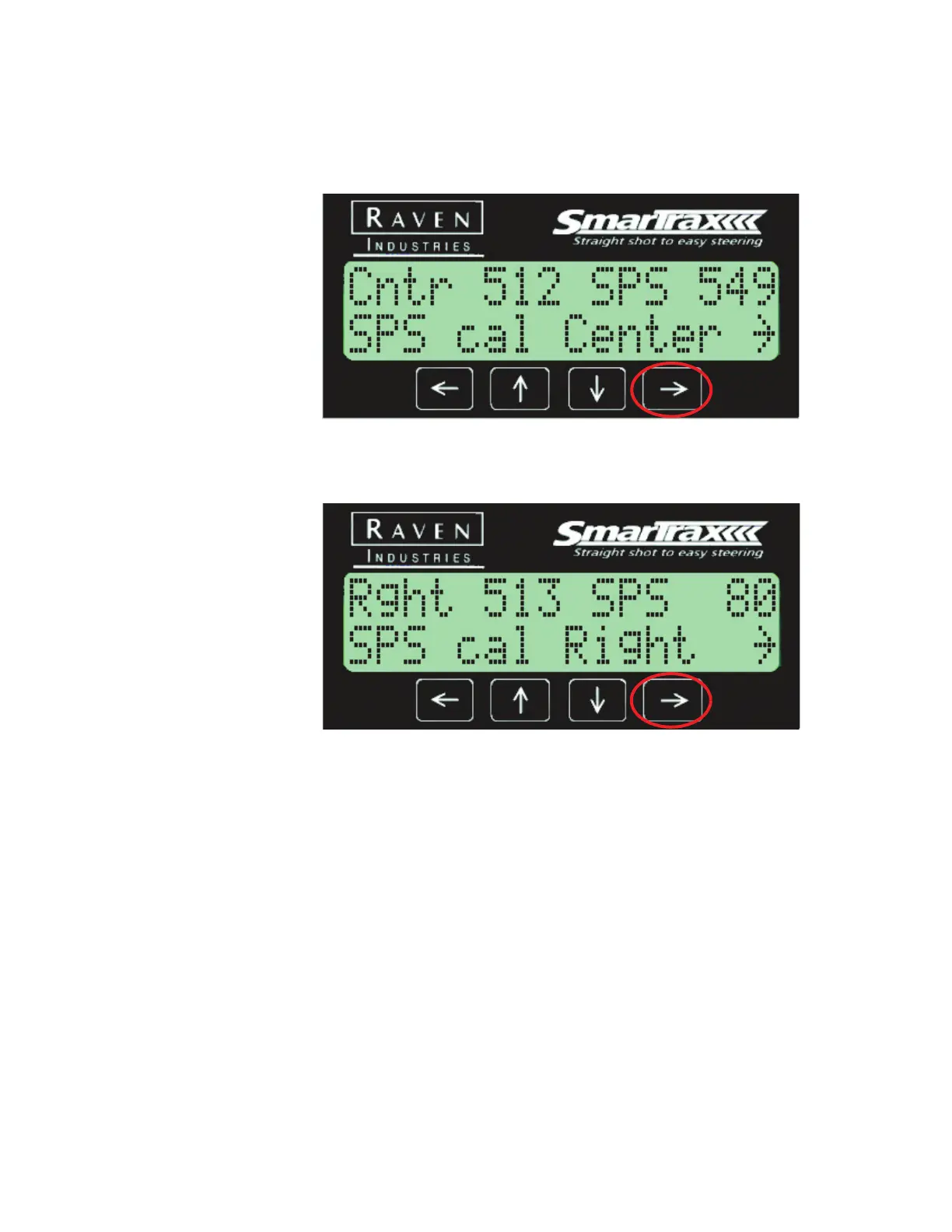
7. The Center SPS Cal screen displays. To set the Center SPS value, turn
the machine wheels to the center and hold the position. You may need
to drive the machine forward to verify that the wheels are centered.
Press the Right arrow key to set the value.
8. The Right SPS Cal screen displays. To set the Right SPS value, turn the
machine wheels to full right and hold the position. Press the Right
arrow key to set the value.



 To Next Page
 Loading...




