Copying
86
2
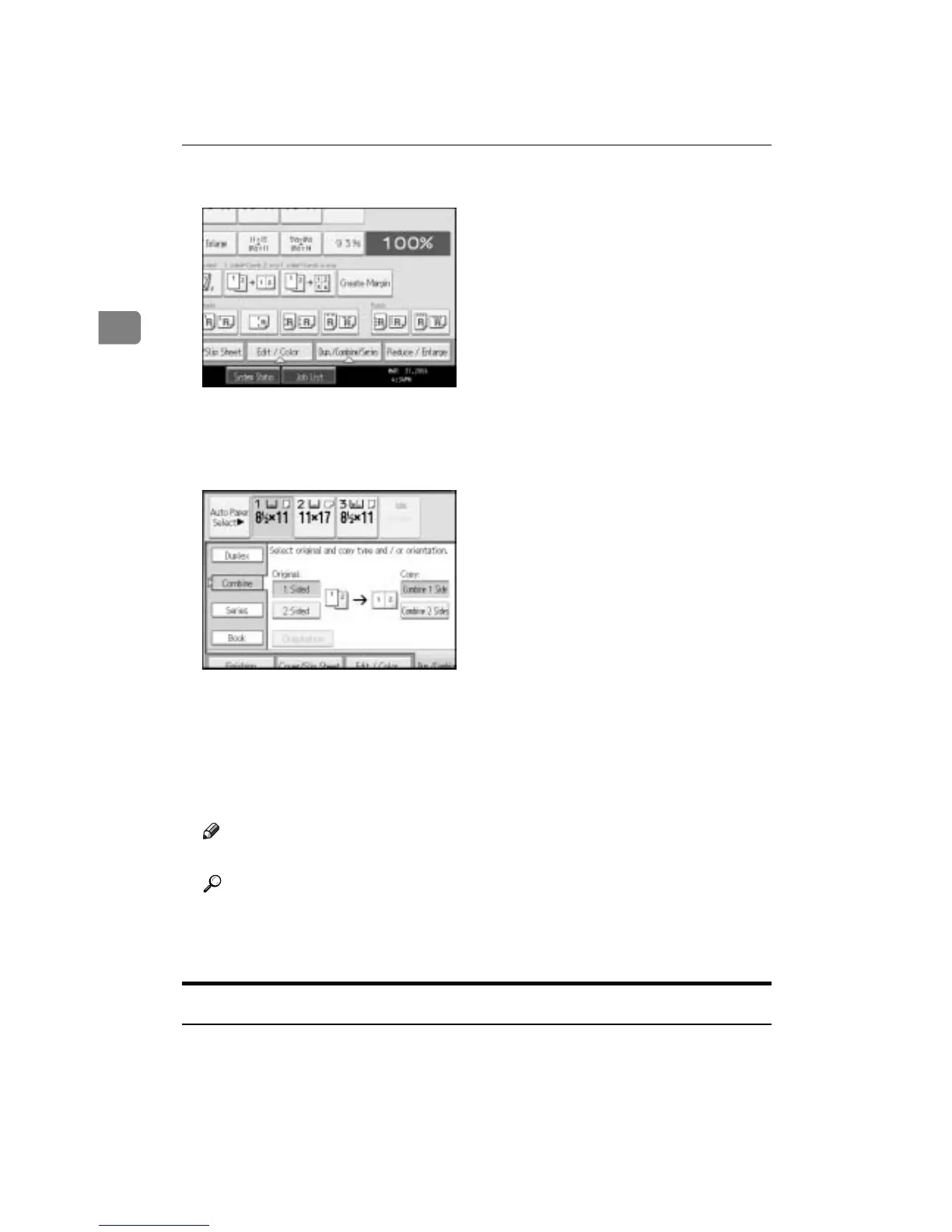
A Press [Dup./Combine/Series].
B Press [Combine].
C Select [1 Sided] or [2 Sided] for Original, and then press [Combine 1 Side] for
Copy.
D Select the number of originals to combine.
E Select the paper size.
F Press [OK].
G Place your originals, and then press the {Start} key.
Note
❒ You cannot use the bypass tray with this function.
Reference
See p.83 “Originals and copy orientation”.
See “Erase Original Shadow in Combine”, “Copy Order in Combine”,
“Separation Line in Combine”, General Settings Guide.
Two-Sided Combine
Combines various pages of originals into one sheet with two sides.
There are six types of Two-Sided Combine.









 To Next Page