Copying
112
2
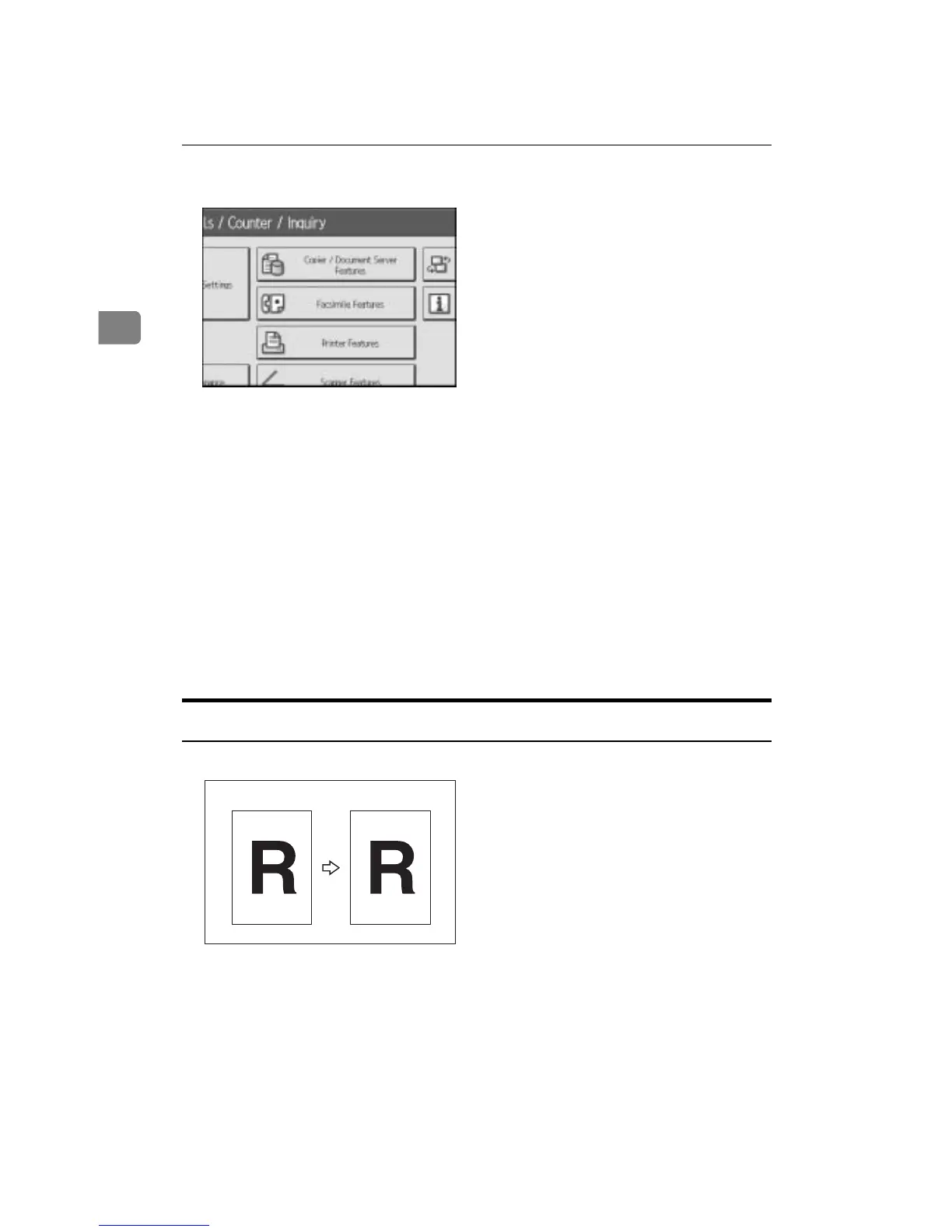
B Press [Copier / Document Server Features].
C Press [Stamp].
D Press [User Stamp].
E Press [Program / Delete Stamp].
F Press [Delete], and then press the stamp number you want to delete.
G Select [Yes], and then press [Exit].
H Press [Exit].
The display returns to the User Tools/Counter/Inquiry screen.
I Press [Exit].
Exits settings and gets ready to copy.
Date Stamp
Use this function to print dates on your copies.
You can select from the following styles:
• MM/DD/YYYY
• MM.DD.YYYY
• DD/MM/YYYY
• DD.MM.YYYY
• YYY.MM.DD
AMG062S
1/21/2006









 To Next Page