Copying
74
2
Reference
See p.163 “Function Compatibility”.
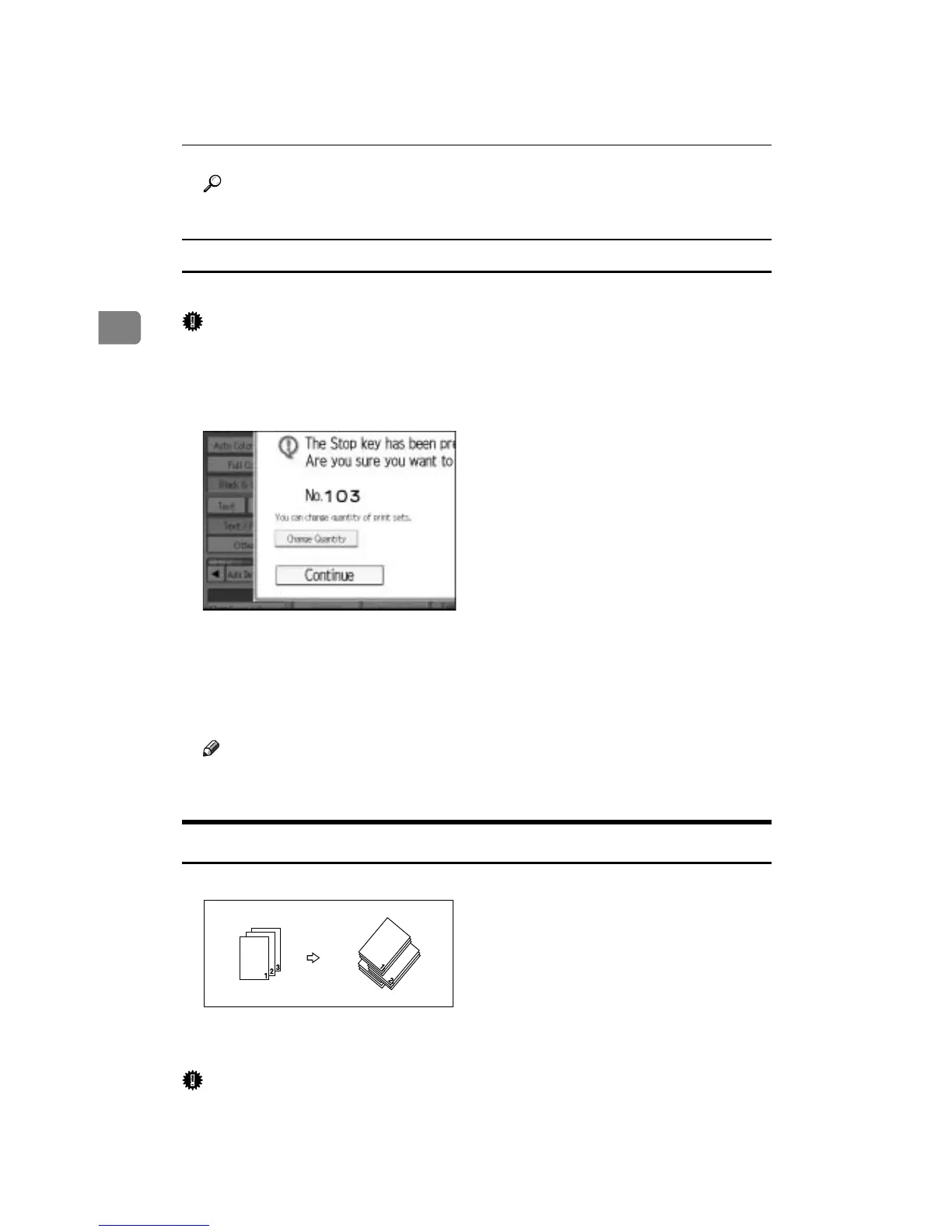
Changing the number of sets
You can change the number of copy sets during copying.
Important
❒ This function can only be used when the Sort function is turned on.
A While “Copying...” is displayed, press the {Clear/Stop} key.
B Press [Change Quantity].
C Enter the number of copy sets with the number keys, and then press the
{q} key.
D Press [Continue].
Copying starts again.
Note
❒ The number of sets you can enter in step
C
differs depending on when the
{Clear/Stop} key is pressed.
Stack
Copies can be assembled with each page placed.
If a finisher is installed, each time the copies of one page are delivered, the next
copy is shifted when delivered so you can separate each job by page.
Important
❒ A finisher is required.
3
3
3









 To Next Page