Copying
62
2
❒ You cannot use the Rotated Copy function if 2 is selected for stapling when
using SR790.
❒ You cannot use the Rotated Copy function if 2 or Center is selected for sta-
pling when using Booklet Finisher SR3020.
Reference
See p.34 “Copying from the Bypass Tray”.
See p.60 “Auto Paper Select”.
See p.66 “Auto Reduce/Enlarge”.
See p.76 “Staple”.
See p.79 “Punch”.
See “Auto Tray Switching”, General Settings Guide.
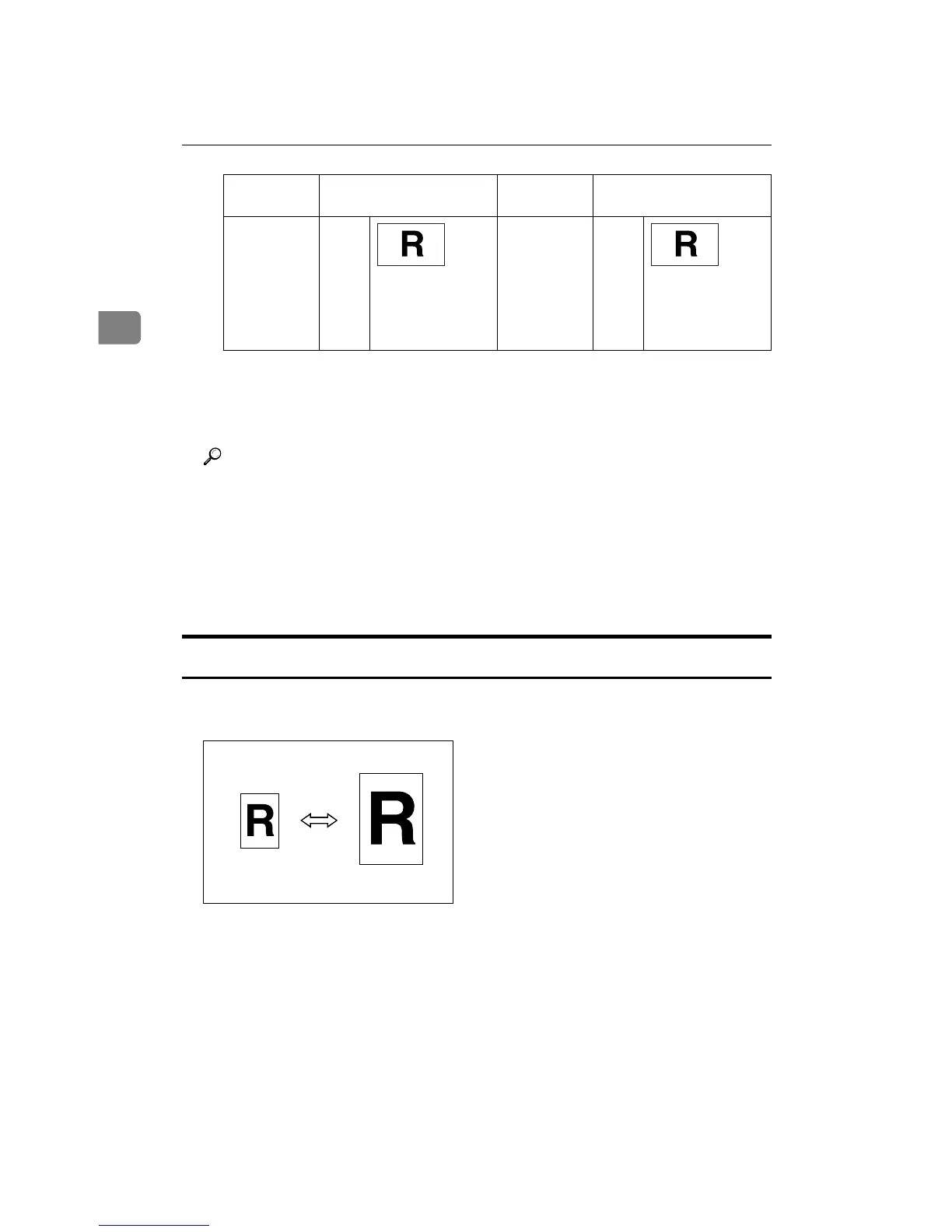
Preset Reduce/Enlarge
You can select a preset ratio for copying.
However,
you can use:
8
1
/
2
"
u 11",
or
5
1
/
2
"
u
8
1
/
2
"
L
When enlarg-
ing to o
8
1
/
2
"
u 14",
or 11"
u 17"
Original size and orienta-
tion
Copy paper size and ori-
entation
GCROTA3E GCROTA3E









 To Next Page