Copying
48
2
Note
❒ After copying has been completed, pressing the {Clear Modes} key deletes
the recalled contents.
Deleting the registered contents
Deletes contents stored in color balance programs.
A Press [Edit / Color].
B Make sure that [Color] is selected before pressing [Adjust Color].
C Make sure that [Color Balance] is selected before pressing [Program Color Bal-
ance].
D Press [Delete], and then select the program number registered by the color
balance to be deleted.
E Press [Yes].
F Press [OK] twice.
Color Adjustment
Adjusts the specific colors (yellow, red, magenta, blue, cyan and green) by mix-
ing them with adjacent colors in the color circle.
You can adjust up to three colors from yellow, red, magenta, blue, cyan, or
green.
Important
❒ This function is not available if Black & White is selected.
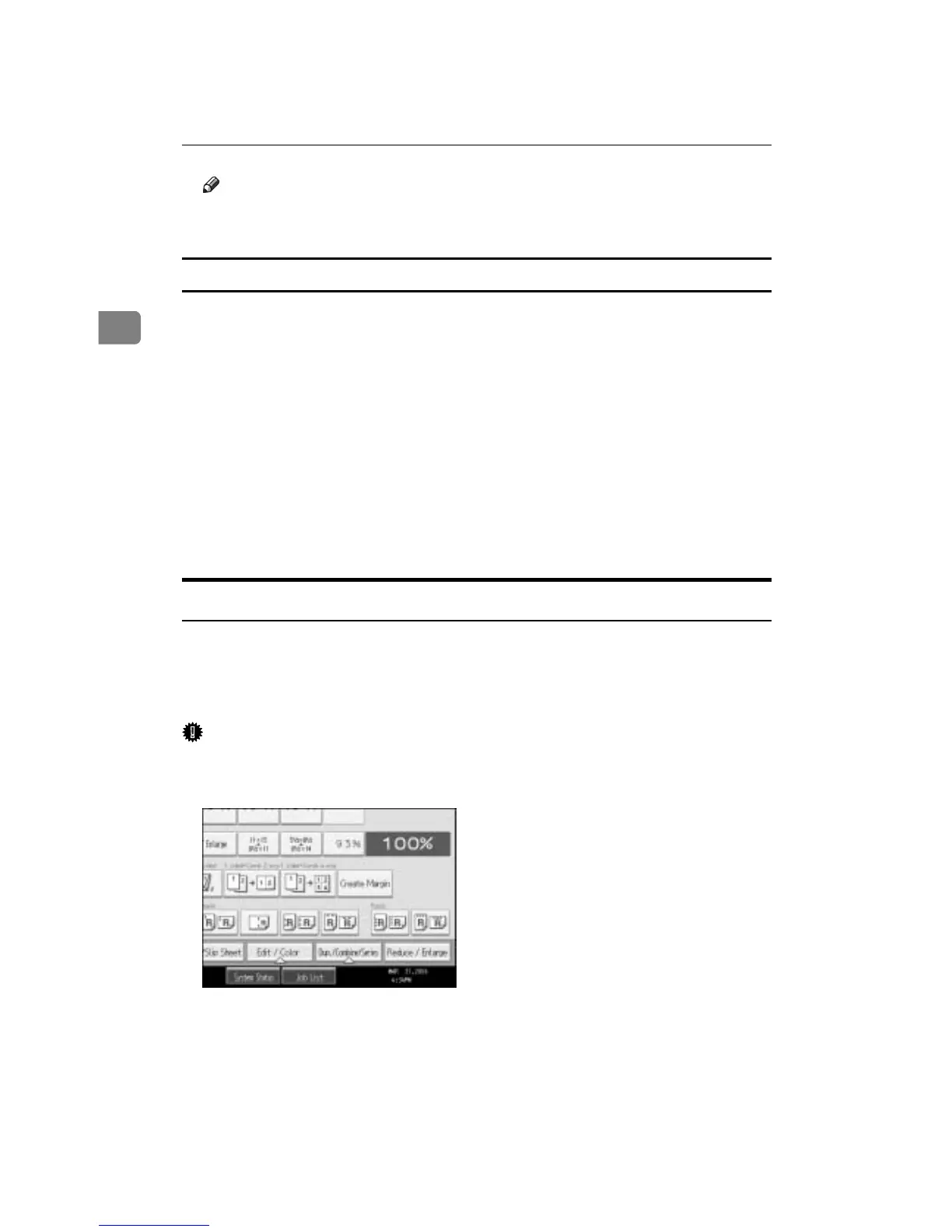
A Press [Edit / Color].
B Make sure that [Color] is selected before pressing [Adjust Color].
C Press [Adjust Color].
D Select the colors you want to adjust.









 To Next Page