Copying
138
2
F Press [Yes].
G Enter the program name.
You can enter up to 34 characters.
H Press [OK].
The screen returns to the program screen, showing the program number fol-
lowed by the program name. The screen returns to the initial copy display af-
ter a short time.
Note
❒ When you want to check the contents of a program, recall the program.
❒ When it is overwritten, the previous program is deleted.
Reference
See p.138 “Recalling a Program”.
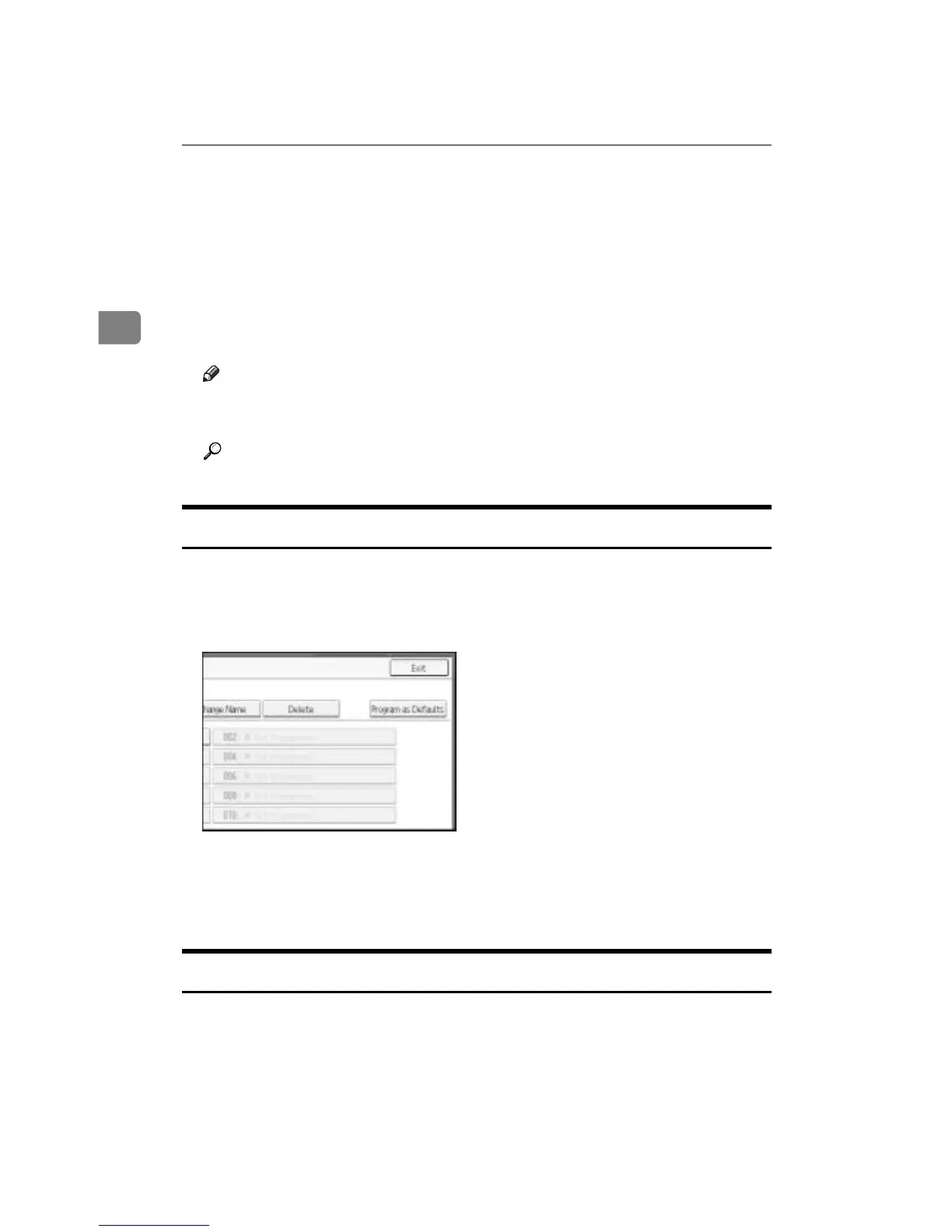
Deleting a Program
Erases the contents of program.
A Press the {Program} key.
B Press [Delete].
C Press the program number you want to delete.
D Press [Yes].
The program is deleted, and the display returns to the initial copy display.
Recalling a Program
Recalls a stored program to make copies using the stored settings.
A Press the {Program} key.



 To Next Page