Copier Functions
71
2
H Place the originals, and then press the {Start} key.
Note
❒ To change a length in steps
C
to
F
, press the key you wish to change and
enter the new value.
Sort
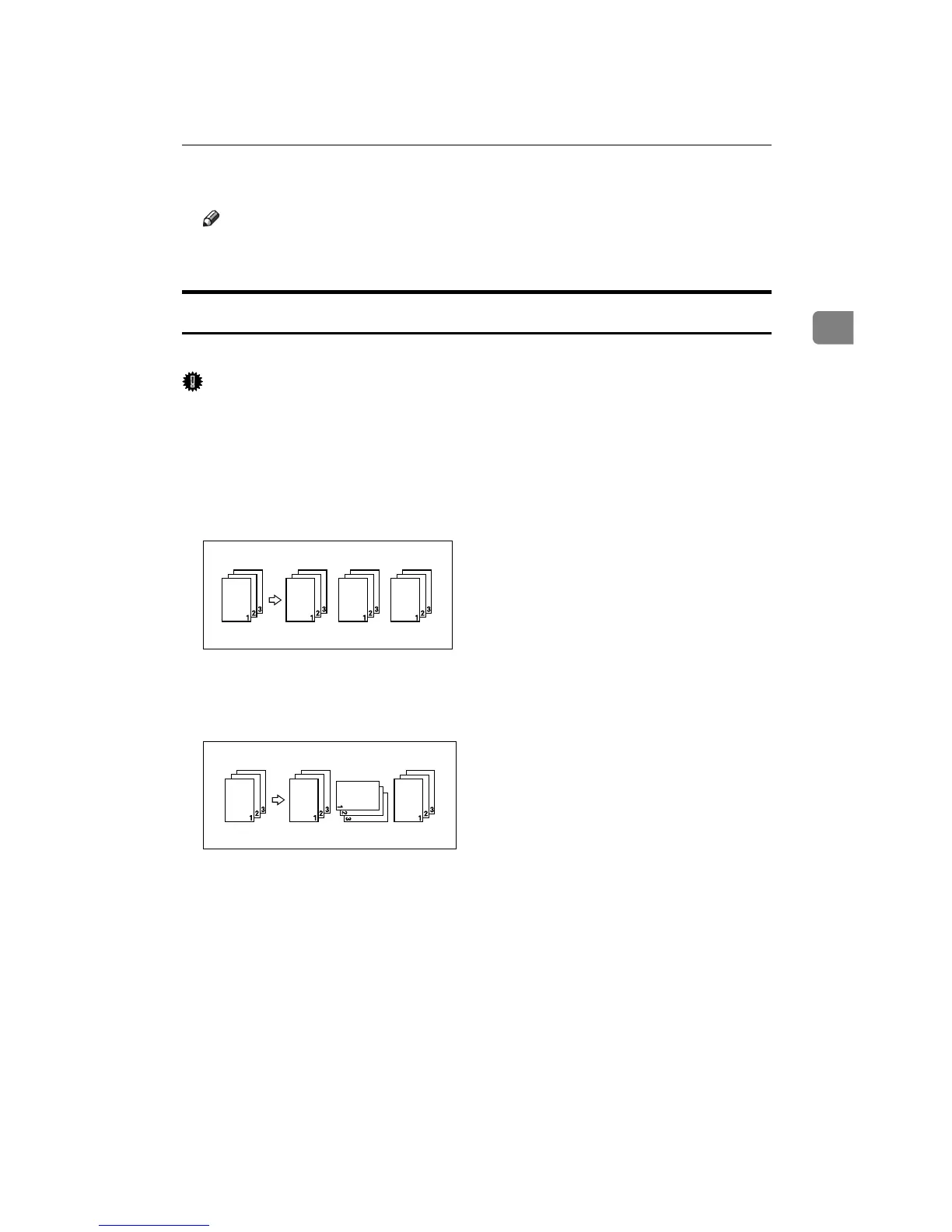
The machine assembles copies as sets in sequential order.
Important
❒ To use the Rotate Sort function, two paper trays loaded with same size and
type paper, but in different orientation (KL), are required. See “Paper Type:
Tray 1-4”, General Settings Guide.
❒ You cannot use the bypass tray with Rotate Sort.
❖ Sort
Copies are assembled as sets in sequential order.
❖ Rotate Sort
Every other copy set is rotated by 90 degrees (KL) and delivered to the copy
tray.
A Press [Finishing].
B Select [Sort] or [Rotate Sort].









 To Next Page