Copier Functions
91
2
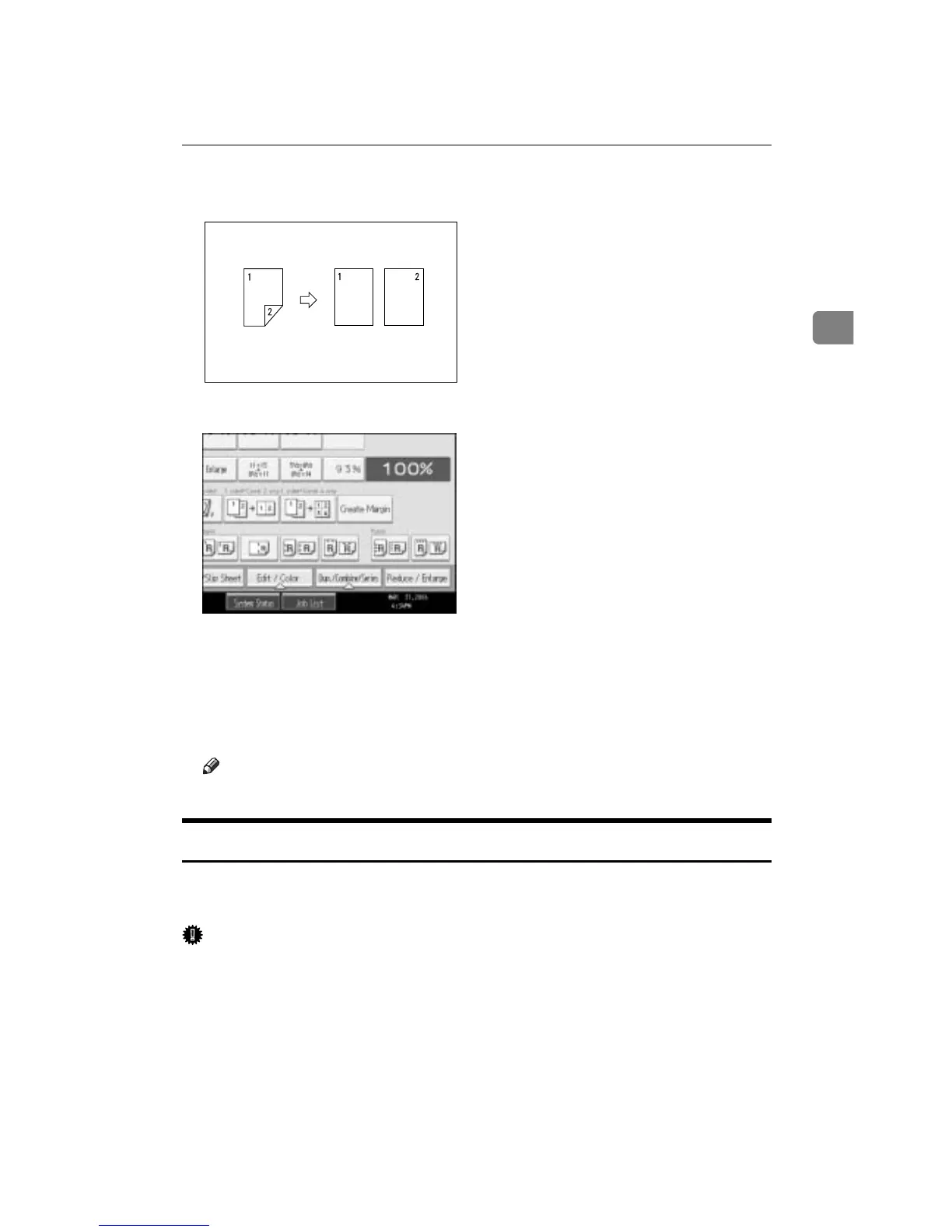
❖ 2 Sided o 1 Sided
You can make one-sided copies from two-sided originals.
A Press [Dup./Combine/Series].
B Press [Series].
C Select [2 Sided o 1 Sided] or [Book o 1 Sided], and then press [OK].
If you selected [2 Sided o 1 Sided], you can change the orientation.
D Place your original on the exposure glass, and then press the {Start} key.
Note
❒ Press the {q} key after all originals have been scanned.
Booklet/Magazine
Copies two or more originals in page order.
There are six types of Booklet/Magazine.
Important
❒ The following table shows the paper sizes of two-sided original and two-sid-
ed copy (when copying at a ratio of 100%):









 To Next Page