Placing Originals
23
1
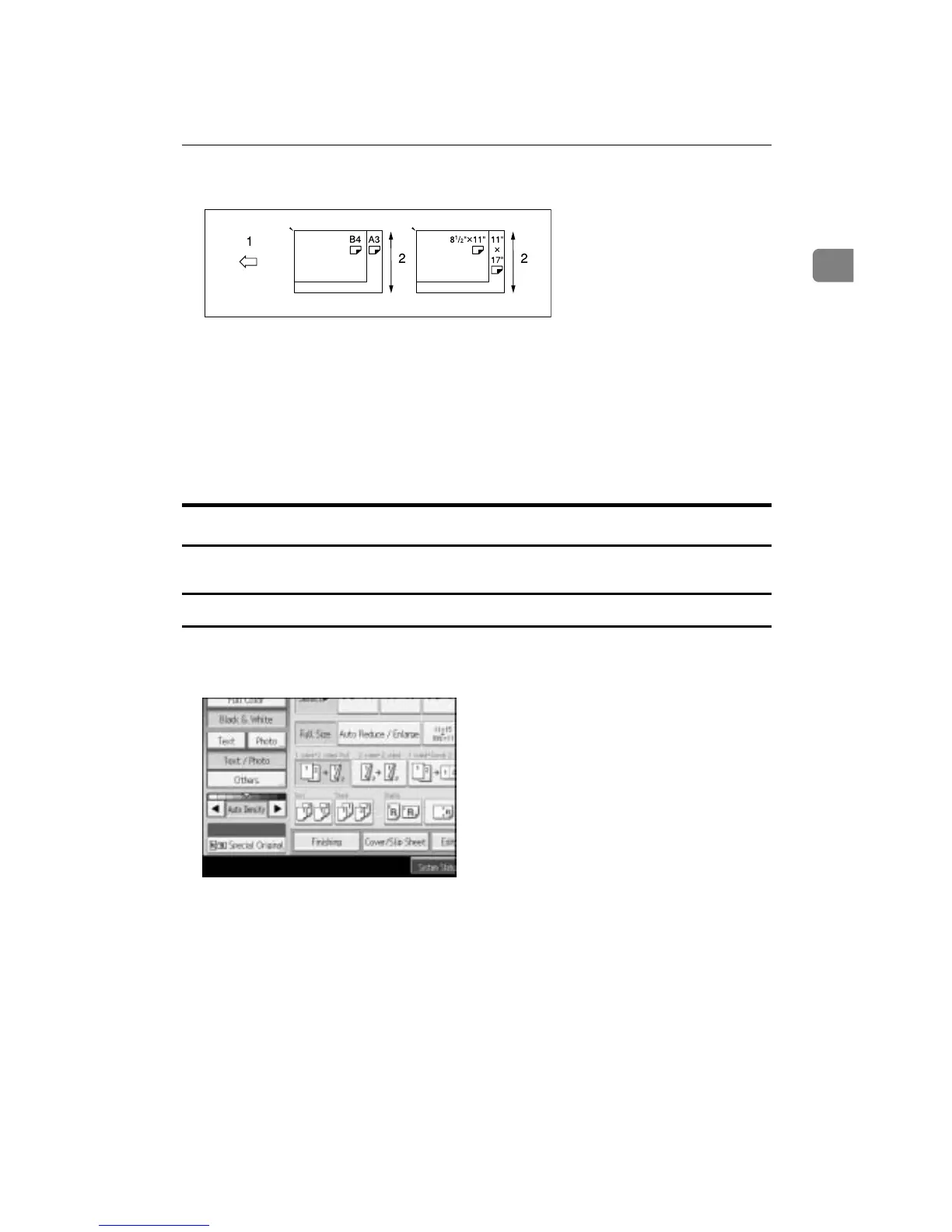
C Align the rear and left edges of the originals as shown in the illustration.
A Place the originals into the ADF
B Vertical size
D Adjust the guide to the widest original size.
E Place originals in the ADF.
F Press the {Start} key.
Original Size
Specify the size of the originals.
Regular sizes
Select the size of the originals from the regular sizes.
A Press [Special Original].
B Press [Original Size] .
APG045S









 To Next Page