Copier Functions
131
2
H When you finish specifying pages, press [OK] twice.
I Place your originals in the ADF, and then press the {Start} key.
Reference
See “Slip Sheet Tray”, General Settings Guide.
Chapters
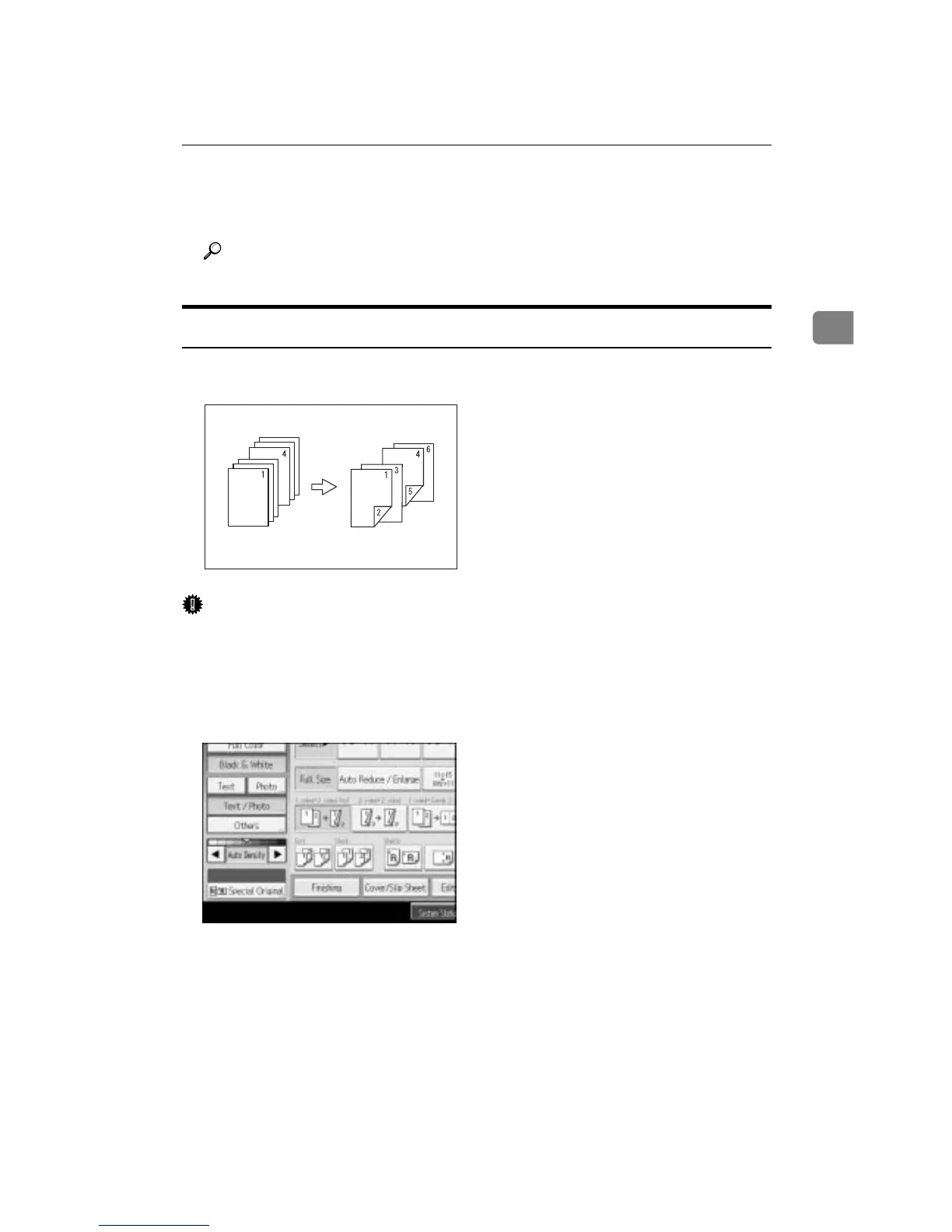
The page locations you specify with this function will appear on the front of
copy sheets.
Important
❒ Before selecting this function, press [Dup./Combine/Series] and select “1 Sided
o 2 Sided” or “Combine”.
❒ This function can be used only when you use the Duplex (1 Sidedo2 Sided)
or Combine function.
A Press [Cover/Slip Sheet].
B Press [Designate / Chapter].
C Press [Chapter].
D Press the key to select the chapter number.
To select chapters 11 to 20, press [11-20].
E Enter the page location of the first page of the chapter with the number
keys, and then press the {q} key.
GCSHOWOJ









 To Next Page