Color Functions
49
2
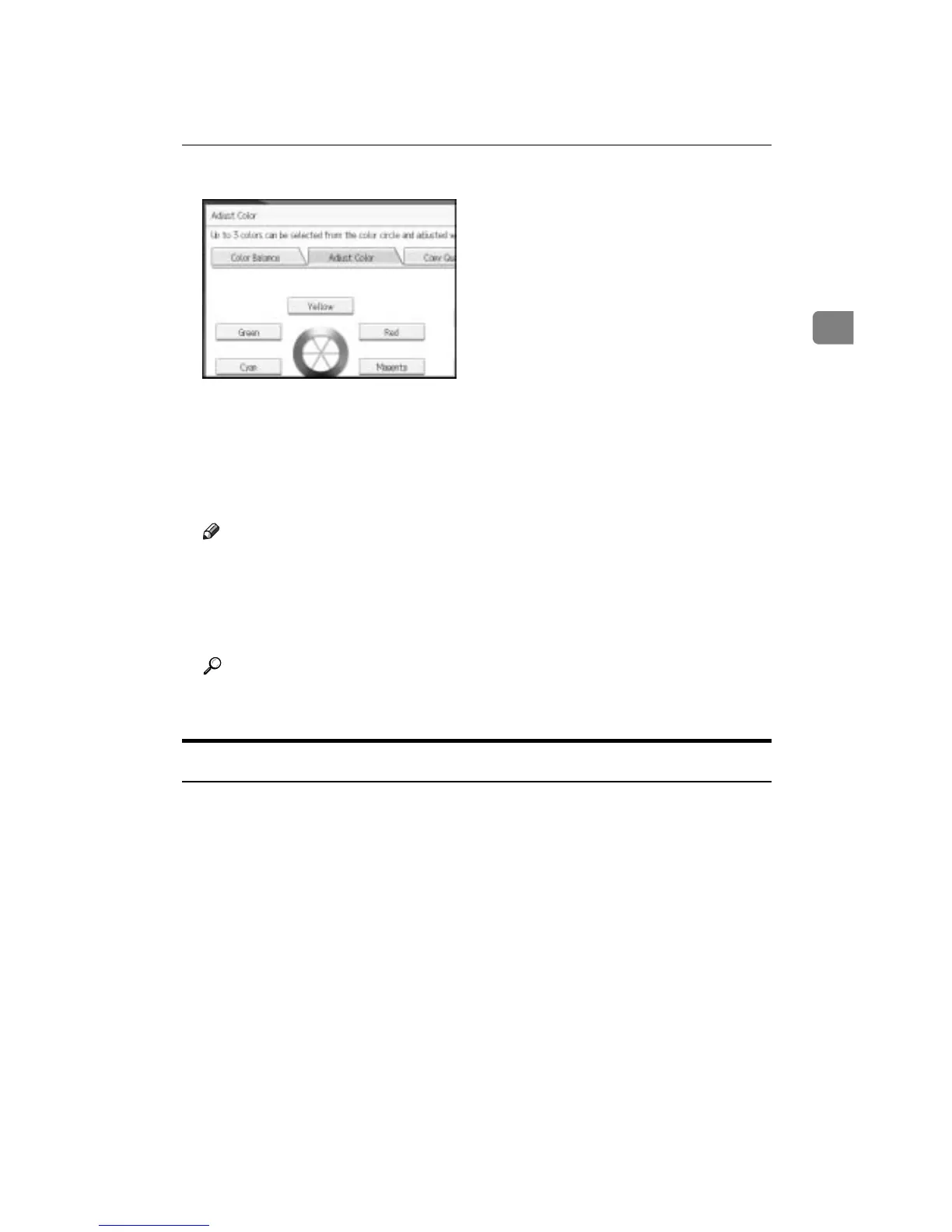
You can select up to 3 colors.
E Adjust the color tastes using [m] or [o].
Refer to the color circle on the control panel.
F Press [OK] twice.
G Place the originals, and then press the {Start} key.
Note
❒ The adjusted settings will be deleted and the initial values will be reset,
when Auto Clear has been performed, when the {Clear Modes} key has
been pressed or when the power has been turned off.
❒ For types and examples of the image adjustment functions, see “What You
Can Do with This Machine <Color Functions/Color Adjustments>”.
Reference
See p.iii “What You Can Do with This Machine <Color Functions/Color
Adjustments>”.
Image Adjustment
The following five types of image adjustments are available:
❖ Sharp/Soft
Adjusts the outline of an image.
❖ Contrast
Adjusts the shades of an image.
❖ Background Density
Adjusts the background density of an image.
❖ Adjust U.C.R
Adjusts the amount of black toner to express vividly the black areas in an im-
age.
❖ Text/Photo Sensitivity
Adjusts the standard level in judging the image in the text and photo part
when using “Text / Photo”.









 To Next Page