13
1. Placing Originals
This chapter describes the types of originals you can set and how to place origi-
nals.
Originals
This section describes the types of originals that can be placed, paper sizes that
are automatically detected, and missing image area.
Note
❒ As the color of markers or highlighters is difficult to reproduce, the copy
might not come out depending on the color or a different color might be cop-
ied.
Sizes and Weights of Recommended Originals
The following describes recommended paper sizes and non-recommended orig-
inals for the ADF:
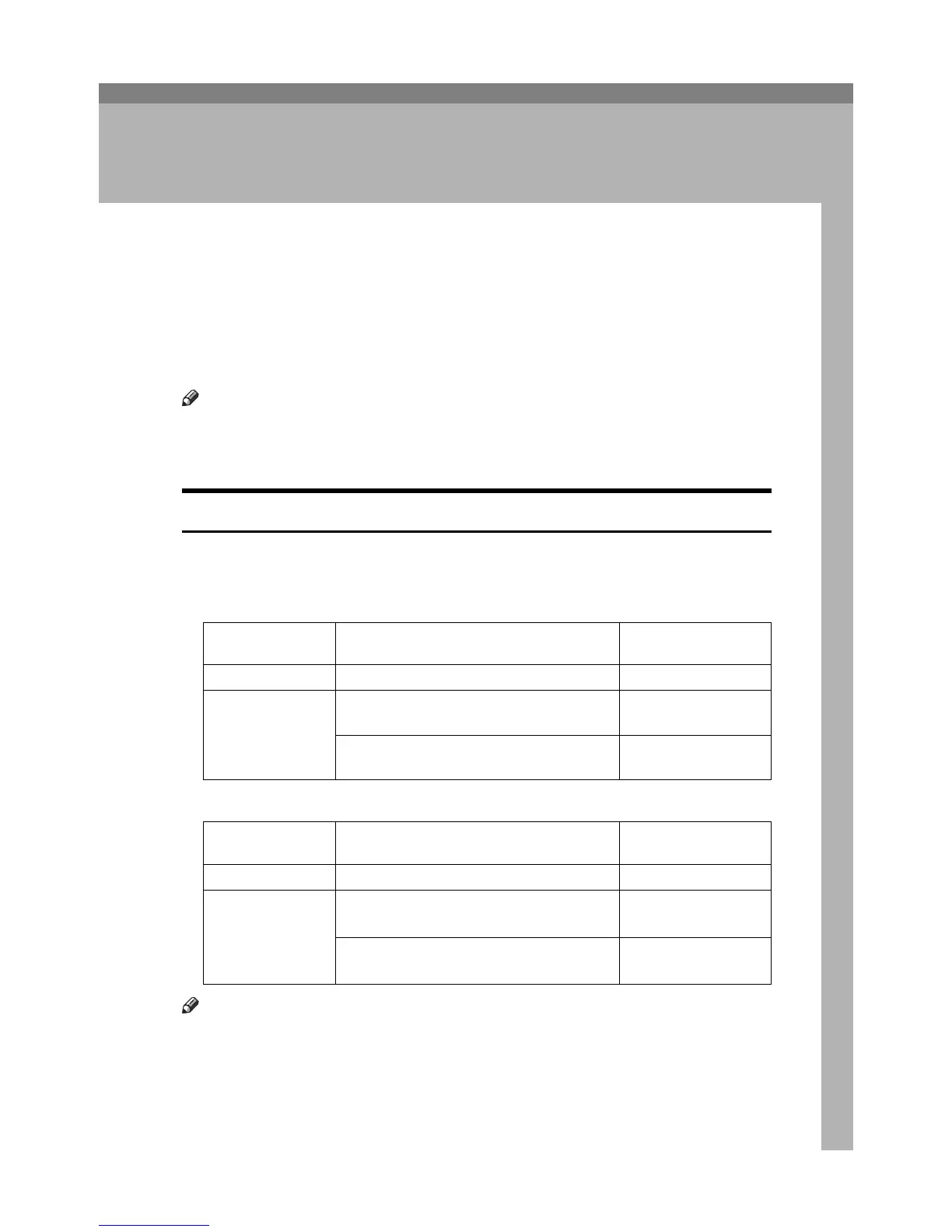
❖ Metric version
❖ Inch version
Note
❒ About 100 originals can be placed in the ADF.
❒ The weight range for originals in the Mixed size mode is 52-81.4 g/m
2
(13.8-
22.0 lb).
Where original is
placed
Original size Original weight
Exposure glass Up to A3 -
ADF One-sided originals: A3L - B6 JIS (Japanese
Industrial Standard)KL
40-128 g/m
2
(35-110
kg)
Two-sided originals: A3L - A5KL
52-128 g/m
2
(45-110
kg)
Where original is
placed
Original size Original weight
Exposure glass Up to 11" u 17" -
ADF
One-sided originals: 11" u 17"L-5
1
/
2
" u
8
1
/
2
"KL
11-34 lb.
Two-sided originals: 11" u 17"L-5
1
/
2
u
8
1
/
2
"KL
14-34 lb.









 To Next Page