Placing Originals
21
1
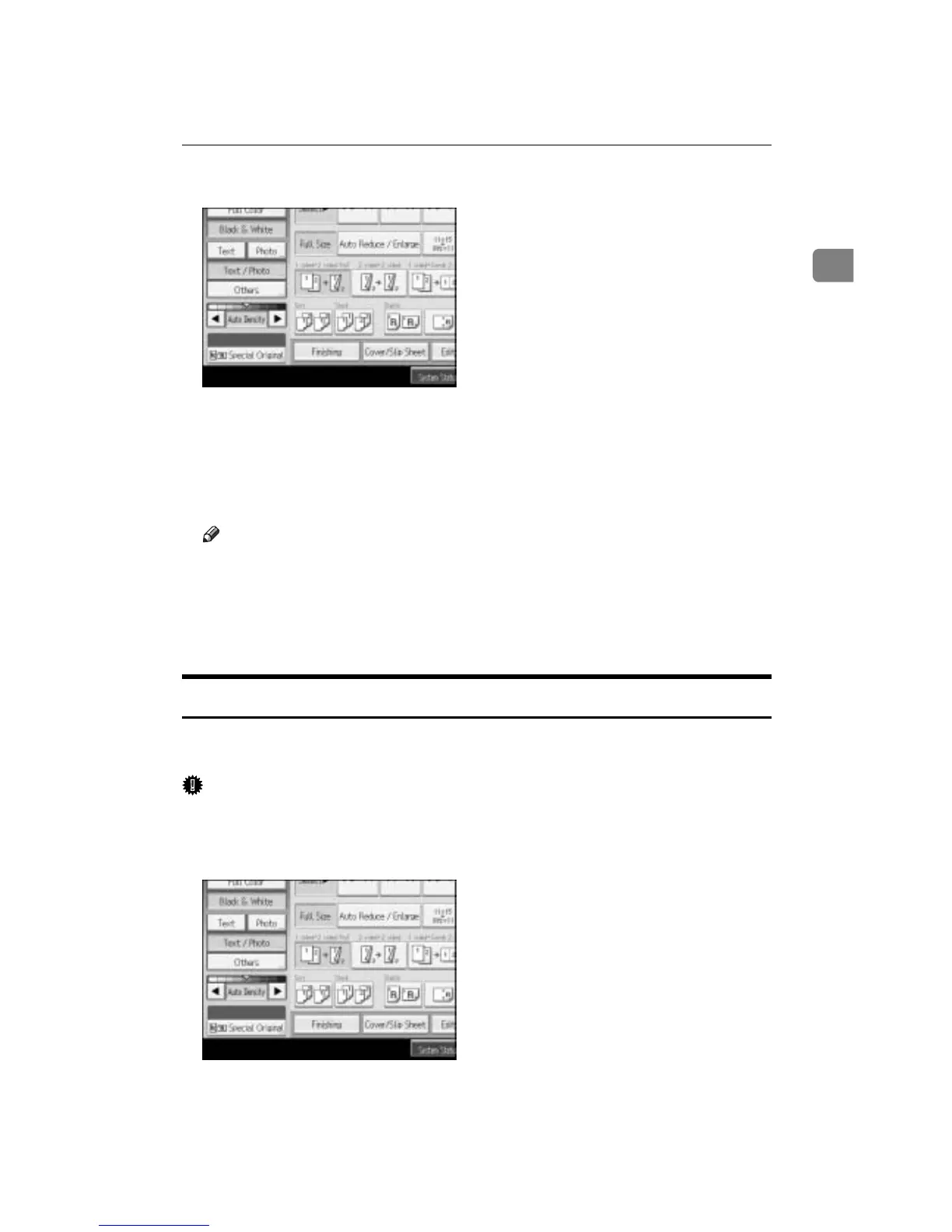
A Press [Special Original].
B Select [Batch] and then press [OK].
C Place the first part of the original, and then press the {Start} key.
D After the first part of the original has been fed, place the next part, then
press the {Start} key.
Note
❒ When [SADF] is displayed in step
B
, set the Batch mode with [Switch to
Batch]. See “Switch to Batch”, General Settings Guide.
❒ To copy subsequent originals in this mode, repeat step
D
.
❒ When the Sort, Combine or 1 Sidedo2 Sided mode has been set, press the
{q} key after all originals have been scanned.
SADF Mode
In SADF mode, even when an original is placed page by page in the ADF, each
page is automatically fed when placed.
Important
❒ You should make a setting so that [SADF] will be displayed when you press
[Special Original]. See “Switch to Batch”, General Settings Guide.
A Press [Special Original].
B Press [SADF], and then press [OK] .









 To Next Page