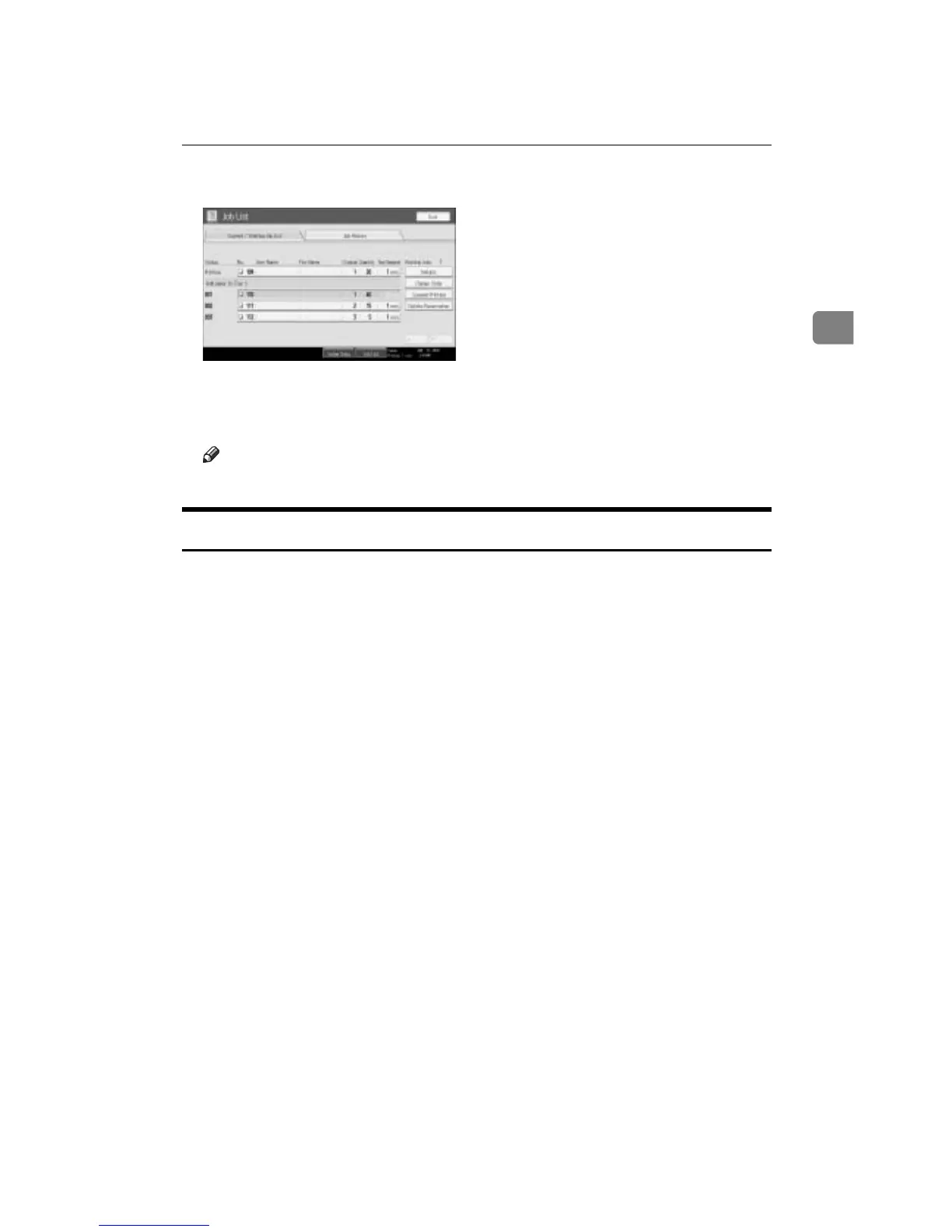
Job List
33
2
B Select the job you want to delete.
C Press [Delete Reservation].
D Press [OK].
Note
❒ To delete multiple print jobs, select them in step
B
.
Checking Job History
You can view the history and contents of completed print jobs.
A Press [Job List].
B Press [Job History].
A list of completed print jobs appears.
C Select the job whose contents you want to check.
D Press [Details], and then check the contents.
E Press [Exit].



 To Next Page