Copying
58
2
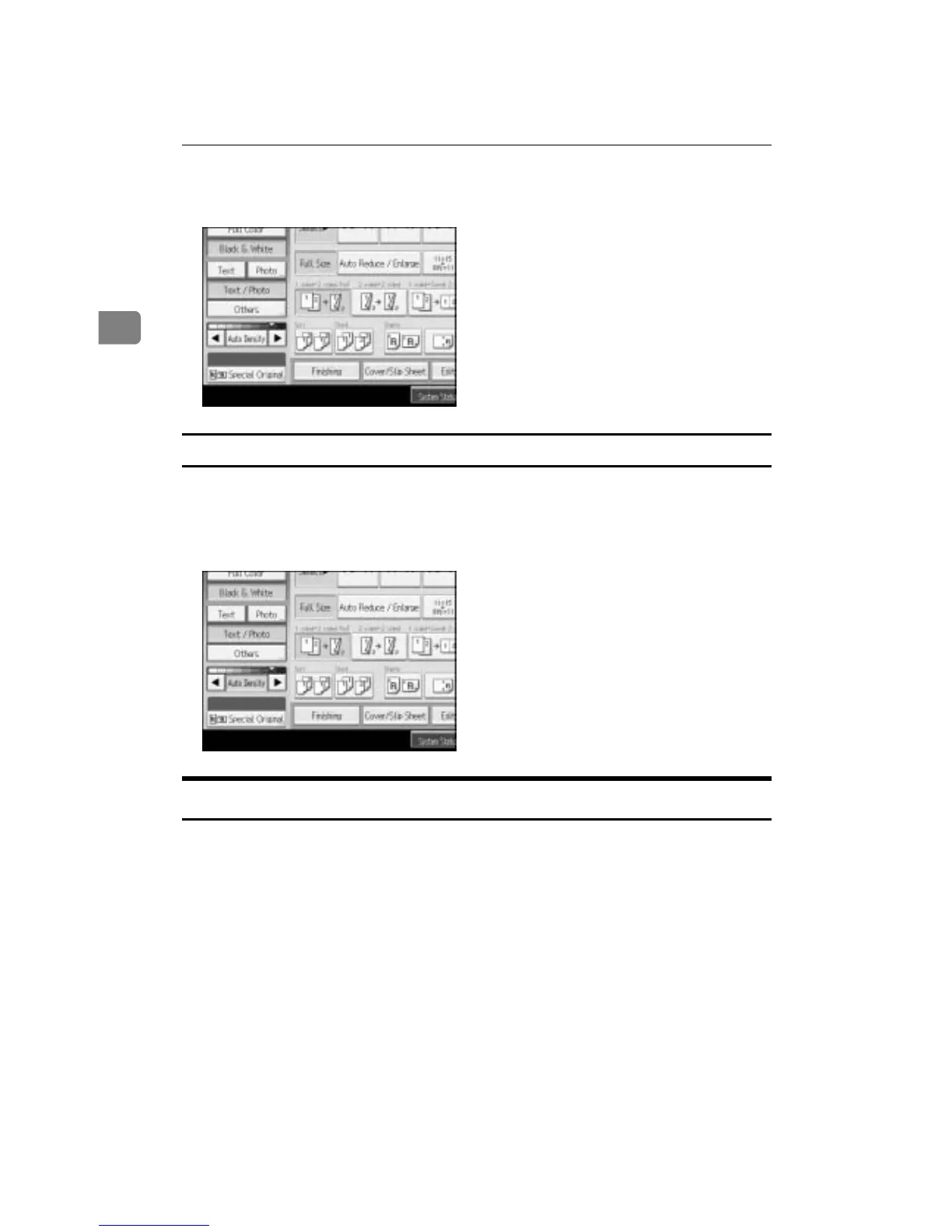
B Press [W] or [V] to adjust the image density. The density indicator “{”
moves.
Combined auto and manual image density
Adjusts the density of an image only for dark texture originals.
A Make sure [Auto Density] is selected.
B Press [W] or [V] to adjust the density. The density indicator “{” moves.
Selecting the Original Type Setting
Select one of the following 6 types to match your originals:
❖ Text
Select this mode when your originals contain only text (no pictures).
❖ Text/Photo
Select [Text / Photo] when your originals contain photographs or pictures with
text.
❖ Photo
Delicate tones of photographs and pictures can be reproduced with this
mode.
• When copying developed photographs:
• When copying photographs or pictures that are printed on paper (e.g.
magazines):









 To Next Page